Developer tools#Coding agent#Deployment
App Store Compliance: 124 rejection patterns as a pre-submit hook
App Store Compliance turns 124 sourced App Store and Google Play rejection patterns into a pre-submit hook for 12 AI coding tools, naming the rule and the fix.
Project facts
GitHub Ecosystem- License
- LicenseRef-OpenRoots-ORA-2.3
- Language
- Shell
- Stars
- 3,526
- Data checked
- 2026-11-22
Snapshot figures reflect the check date and may change over time.
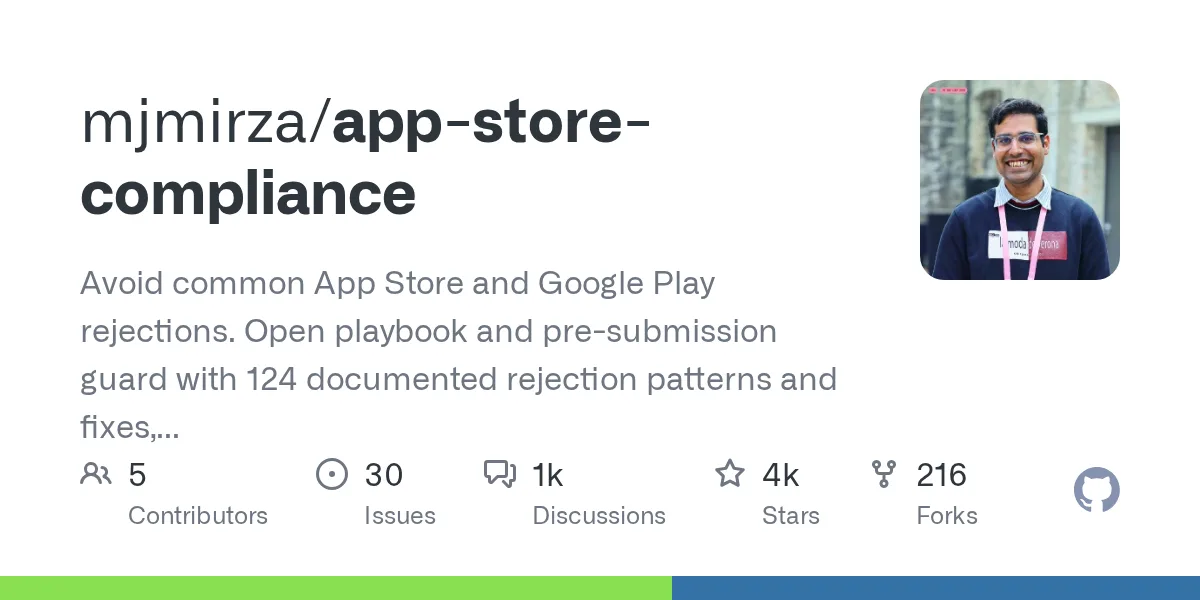
An App Store rejection letter is usually one line: which guideline you broke, and nothing else. app-store-compliance, a repository by mjmirza, flips that around. It writes 124 sourced rejection patterns into a JSON file, then uses a Bash script to scan your project before you submit, printing the guideline number, the file and line that triggered it, and the fix. Version 2.5.0 shipped on November 22, 2026; the same day the repo showed 3,526 stars and 216 forks, created June 6, 2026, with Shell as its primary language.
Key points
- 124 patterns, split by store: 62 for the App Store, 43 for Google Play, 13 that apply to both, plus 6 for web surfaces under GDPR and cookie consent. Severity breaks down as 38 critical, 65 high and 21 medium, counted from
data/rejection-patterns.jsonon November 22, 2026. - The block is an exit code: the guard is a PreToolUse hook in your coding tool. It starts only when the agent is about to run a submit command such as fastlane,
eas submitorxcrun altool, and exits 2 on a critical finding, so the command never runs. - v2.5.0 added a paper trail for humans:
.app-review-readiness.jsonrecords what a scan cannot see, such as a demo account or account deletion tested on a device, and a recorded failure blocks the submit too.
Core features
What separates this from another checklist is that the rules and the enforcement read the same file.
- Rules as data: every pattern carries an id, a platform, an Apple guideline number or Play policy, a severity, detection signals and a fix. The reference docs under
references/are generated from that file byscripts/generate-references.py, so a rule change cannot land in one place and miss the other. - It fires on the submit command: enforcement lives in
agent-os/hooks/app-store-compliance-guard.sh, a 2,115-line Bash file. It reads the PreToolUse payload from the agent and recognizes fastlane’sdeliver,pilotandsupply, pluseas submit,xcrun altool,gradle bundleRelease,xcodebuild archive,flutter build ipa,helm-ascand theascCLI. - Findings point at code: results are sorted critical, high, medium, and each one names the file and line that triggered it, followed by a
fix.line with the actual change rather than a restatement of the guideline. - The rule pack has an expiry date: every report opens with a
Rule pack.line giving the verified-on range across 109 dated sources (July 13 to November 21, 2026, in v2.5.0). Once the oldest source is more than 60 days old, it printsRule pack STALEand the update command. - Both platforms get scanned: on iOS it looks for
PrivacyInfo.xcprivacy, purpose strings and an account deletion path; on Android it reads everyAndroidManifest.xmlfor sensitive permissions and checks target SDK, 64-bit ABIs and Play Billing. The project’s own count is 34 code checks for Apple, 38 for Play and 5 shared. - Whole fleets at once: Fleet Sweep, added in v2.2.0, runs a list of apps and returns the worst verdict. A partial scan, a timeout or a report whose counts contradict its findings is
NOT CHECKED, never a pass.
How the block works
Where the hook sits decides what it can stop. The guard registers on PreToolUse, before the shell command runs. It is not a git pre-commit hook and not a CI step.
Tools answer differently: Cursor uses beforeShellExecution and gets a {"permission":"deny"} object, while everything else reads the exit code. Running it by hand and running it as a hook also produce different verdicts.
| Exit | Verdict line | Meaning |
|---|---|---|
| 0 | CLEAR. | No critical risk in what the scan can see; not an approval |
| 2 | BLOCKED. | A critical finding in code, or a readiness check recorded as fail |
| 1 | NOT CHECKED. | No iOS or Android project found, so nothing was proven |
The obvious gap: the hook only sees commands the agent issues. Run fastlane release yourself in a terminal, or from CI, and it never passes through. docs/WHAT-THE-SCAN-PROVES.md says so plainly and ships a CI step and a Fastlane before_all recipe. The source confirms the behavior: in hook mode, an empty stdin means exit 0 rather than a scan of whatever directory happens to be current, which would stall a non-app repo for a minute.
Where the rules come from
None of the 124 were invented. The sources field in the data file names four: Apple’s App Review Guidelines, Apple’s App Review page, Google Play’s policy center and Play’s Data safety documentation.
The guideline numbers check out against Apple’s live text: 2.1 App Completeness, 2.3 Accurate Metadata, 3.1.1 In-App Purchase, 4.2 Minimum Functionality, 4.3 Spam, 5.1.1 Data Collection and Storage. When Apple revised the guidelines on October 16, 2026 and added 2.3.14 for creative assets and 2.5.19 for hidden features, the data gained one pattern for each (APPLE-2.3.14-CREATIVE-ASSET-CONTENT, APPLE-2.5.19-HIDDEN-OR-DORMANT-FEATURE).
| App Store | Google Play | Both | |
|---|---|---|---|
| Rejection patterns | 62 | 43 | 13 |
| With a code check behind them | 34 | 38 | 5 |
Guideline 4.3 is the exception: no pattern takes it as its clause. The only 4.3 in the data is a version number in the App Store Connect API notes. The maintainer’s answer in the discussions is blunt. Apple judges 4.3 by comparing your app to what is already in the store, and that store is not in your repository, so a static scan cannot decide it.4.2 keeps two heuristics, the general APPLE-4.2-WEB-WRAPPER and the Ionic/Capacitor IONIC-4.2-THIN-WRAPPER, both aimed at WebView shells with little native function.2-THIN-WRAPPER`, aimed at WebView shells with almost no native functionality.
One number does not line up. The README says “107 of 114” detection recipes, while the data holds 124 patterns and 113 recipes. It does not change what the scan does, but it is a reminder that the docs lag the data; data/ is the file to trust.
Supported tools
The installer lists 13 rows covering 12 products: Claude Code, Codex CLI, Gemini CLI, OpenCode, Cursor, GitHub Copilot (CLI and VS Code in one row, the cloud agent and JetBrains in another), Grok, Qwen Code, Kimi Code, Factory Droid, Auggie and Windsurf.
Each install writes two things, a hook and a skill. Claude Code, Gemini CLI and OpenCode also get an /app-store-audit command. The skill sits in Claude Code’s ~/.claude/skills/; the other tools share one copy in ~/.agents/skills/.
The installer does one thing worth copying: it feeds a submit command to the freshly installed hook and prints Install verified. only after watching it get blocked. Without node it says Installed, but not fully verified. instead. That is a better standard than treating a written config file as success.
The tools it does not wire are listed too. Kiro gets a manual JSON snippet, marked as not yet tested against a live Kiro. Aider and Copilot for Xcode have no pre-command hook, so the advice is to run the guard by hand or as a git pre-push hook. Roo Code and Continue only offer command deny lists; the suggestion is to add fastlane, xcrun altool and eas submit to them.
Typical use cases
- A first submission where AI wrote most of the code: privacy manifests, purpose strings and a demo account are the steps that get skipped. With the hook installed, every attempted submit stops once and the problem surfaces locally.
- You were just rejected: take the guideline number from the letter to the matching entry in
docs/APPLE.mdordocs/GOOGLE-PLAY.mdand read the trigger and the fix, which beats searching a forum for “what does 4.3 mean”. - Several apps under one account: Fleet Sweep runs them in one pass and lets the worst app decide. Reviewed false positives can be waived per exact occurrence, with an expiry date.
- People who do not write code:
docs/PRE-SUBMISSION-CHECKLIST.mdis a box-by-box list, and its first two items, a working demo account and a privacy declaration that matches runtime behavior, are the ones the author says catch most people.
Quick start
The shortest path is a one-time scan with nothing installed:
git clone https://github.com/mjmirza/app-store-compliance ~/repositories/app-store-compliance
bash ~/repositories/app-store-compliance/agent-os/hooks/app-store-compliance-guard.sh "/path/to/your/app"
Point it at the folder holding your Xcode project or Android app and keep the quotes so a path with a space stays whole. The README says a small project scans in about a second and a large one can take a minute; it writes only temporary files and deletes them on exit. I checked this in the source: there is no curl or wget in the guard, and the only URLs are a link to Apple’s documentation and an XML namespace.
To wire it into a coding tool, run the installer instead:
bash ~/repositories/app-store-compliance/scripts/install.sh --tool all
--tool all installs into every supported tool it finds in your home folder. One step remains: Codex needs the new hook approved once under /hooks, Gemini CLI, Cursor and Windsurf need a restart, and the rest follow the prompt.
What it cannot catch
Start with the honest part: CLEAR. is not an approval. The project says it itself. A scan can prove there is no critical risk in what it can read; a reviewer is a person, and judgment calls still get rejected.
The specific gaps:
- 4.3 and 4.2 concept judgments: whether an app is a reskin, a template or a low-effort entry in a saturated category is not decidable from a repo.
- Accounts and store backends: developer account status, signed agreements, and Play’s requirement that a new personal account run a closed test with 12 testers for 14 days live in the console, not in the code.
- Screens and screenshots: whether the UI is consistent and the screenshots match the build needs a person.
- Chinese Android stores:
docs/OTHER-STORES.mdsummarizes their rules with no code checks behind them. - Items that look like false positives are deliberate: anything the scan cannot confirm gets surfaced rather than assumed clean. The README quotes a Reddit developer saying those prompts made them more careful; I could not open the thread, so that is the author’s account.
False positives also happen. On September 30, 2026 the maintainer filed issue #834 against his own project: the accessibility scan raised a haptics rule on a clean file and missed an icon-only SwiftUI button. The fix landed on October 15 in #1001, and haptics became a low-severity advisory that fires only on real gestures. Outside reports so far cluster on Windows: one user filed three bugs with before-and-after measurements on November 19, 2026 (#2330, #2332, #2333), and the matching patches are still open.
Treat the community numbers with care. The discussions count is 1,313, and the recent ones are release Q&A written and answered by the maintainer, not user questions. Hacker News’ Algolia index returns nothing for the repo. Stars say people found it useful; they do not say anyone measured its accuracy.
Summary
It suits developers who already build mobile apps with Claude Code, Codex or Cursor and are about to submit, because it turns “what should I check” into a check that fails instead of a list you read once. If you ship the occasional small app, or your metadata is already covered by fastlane’s precheck, the gain is smaller: precheck is 10 rules over store listing text and never reads source, while this guard reads the project. For prompt-level process constraints, Superpowers is the other end of the spectrum, where skills depend on the model cooperating; this guard is a hook that can actually stop a command.
One background figure: Appfigures counted worldwide app releases in Q1 2026 up 60 percent year over year, and 80 percent on iOS alone, as TechCrunch reported on April 18, 2026. More submissions means more first-time developers meeting these rules head-on.
Read the license before adopting it. GitHub reports NOASSERTION, and the actual terms are the OpenRoots Agent License 2.3 (SPDX LicenseRef-OpenRoots-ORA-2.3), which is not an OSI license. Individuals and companies under USD 20 million in annual revenue use it free; above that, 0.5 percent of the revenue of the product that uses it, capped at USD 250,000 a year. Training a model on the repository needs a separate Compute license, and repackaging it as a competing product is not allowed. If your legal review blocks non-OSI licenses, that is where it stops.
Maintenance is one person plus a lot of automation: six releases, 82 commits from the maintainer, and one commit from the only other listed contributor. The upside is speed, with v2.3.0 to v2.5.0 inside a week. The risk is that every judgment rests on one person, and rule freshness is something you read off the Rule pack. line yourself. Run --dry-run and doctor first so you can see exactly what it writes into your config.