yoinks: download video from anywhere, right in your terminal
A yt-dlp-powered terminal downloader for YouTube, X, TikTok and 1,800+ sites — paste a link, pick a resolution. Audio to MP3, MIT, no Python.
Project facts
GitHub Ecosystem- License
- MIT
- Language
- TypeScript
- Stars
- 3,690
- Data checked
- 2026-10-03
Snapshot figures reflect the check date and may change over time.
Fetching footage for remixes, offline archives or an editing pipeline means wading through popup ads, fake download buttons and sketchy redirects — plus Python dependency pain on the tools that actually work. yoinks compresses all of it into one terminal command: paste a link, pick a resolution, and the video lands in ~/Downloads. Under the hood is yt-dlp covering YouTube, X/Twitter, Instagram, Threads, TikTok and 1,800+ other sites; designer Pablo Stanley wrapped it in a full-screen terminal UI that works with both keyboard and mouse. MIT-licensed, 3,690 stars as of October 3, 2026. The 视频号 account AI产品狙击手 covered it on October 3.
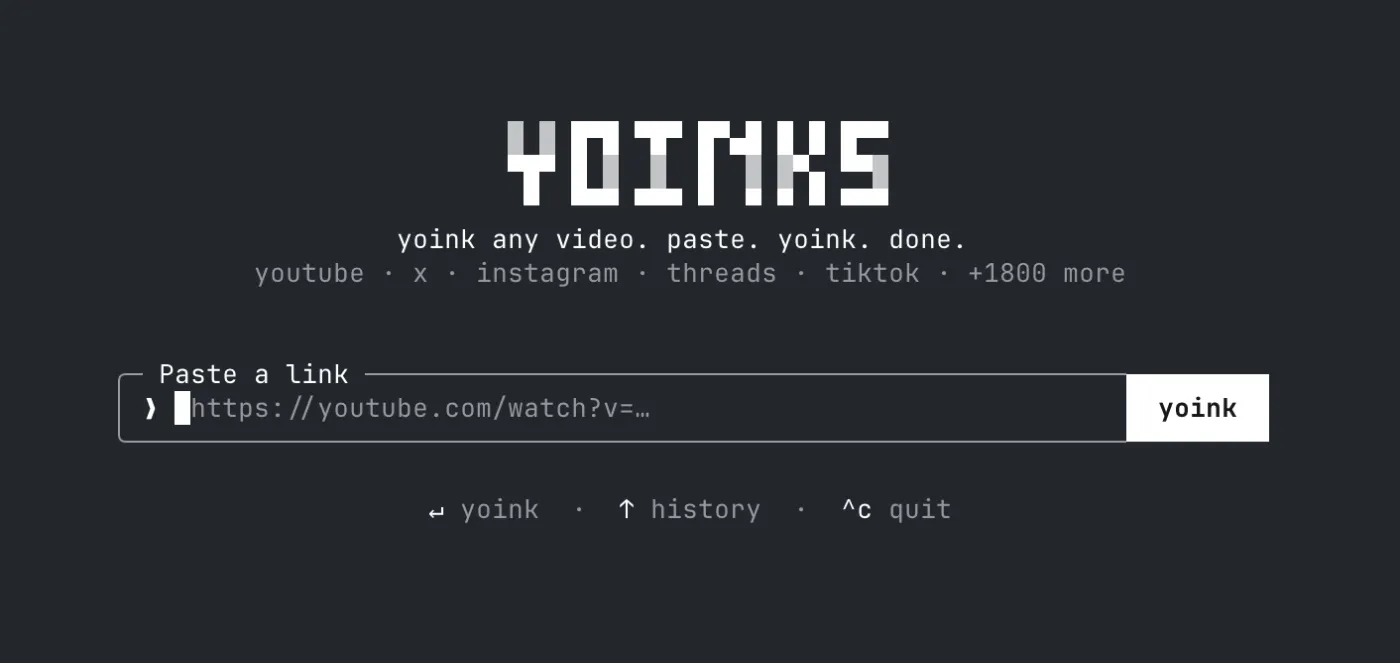
Core features
- One-command downloads:
yoinks <url>goes straight to the format picker; a bareyoinksprompts for input. Pick quality with ↑/↓ (or j/k, or number keys), hit enter, and the file path prints when done. - Resolutions and audio: the format list shows estimated file sizes, with audio-only MP3 extraction; high-res streams get merged via ffmpeg automatically.
- Zero-dependency setup: the first run downloads a standalone yt-dlp binary into
~/.yoinks/bin— no Python involved. If yt-dlp is already installed it uses yours; ffmpeg comes from PATH with an ffmpeg-static fallback. - Small touches: the full-screen TUI restores your scrollback on exit; the
autotheme follows your terminal’s light/dark palette with^tto cycle; UI elements are clickable and the logo takes you home. - Try before installing:
npx yoinksruns it with nothing installed, on Node 18+.
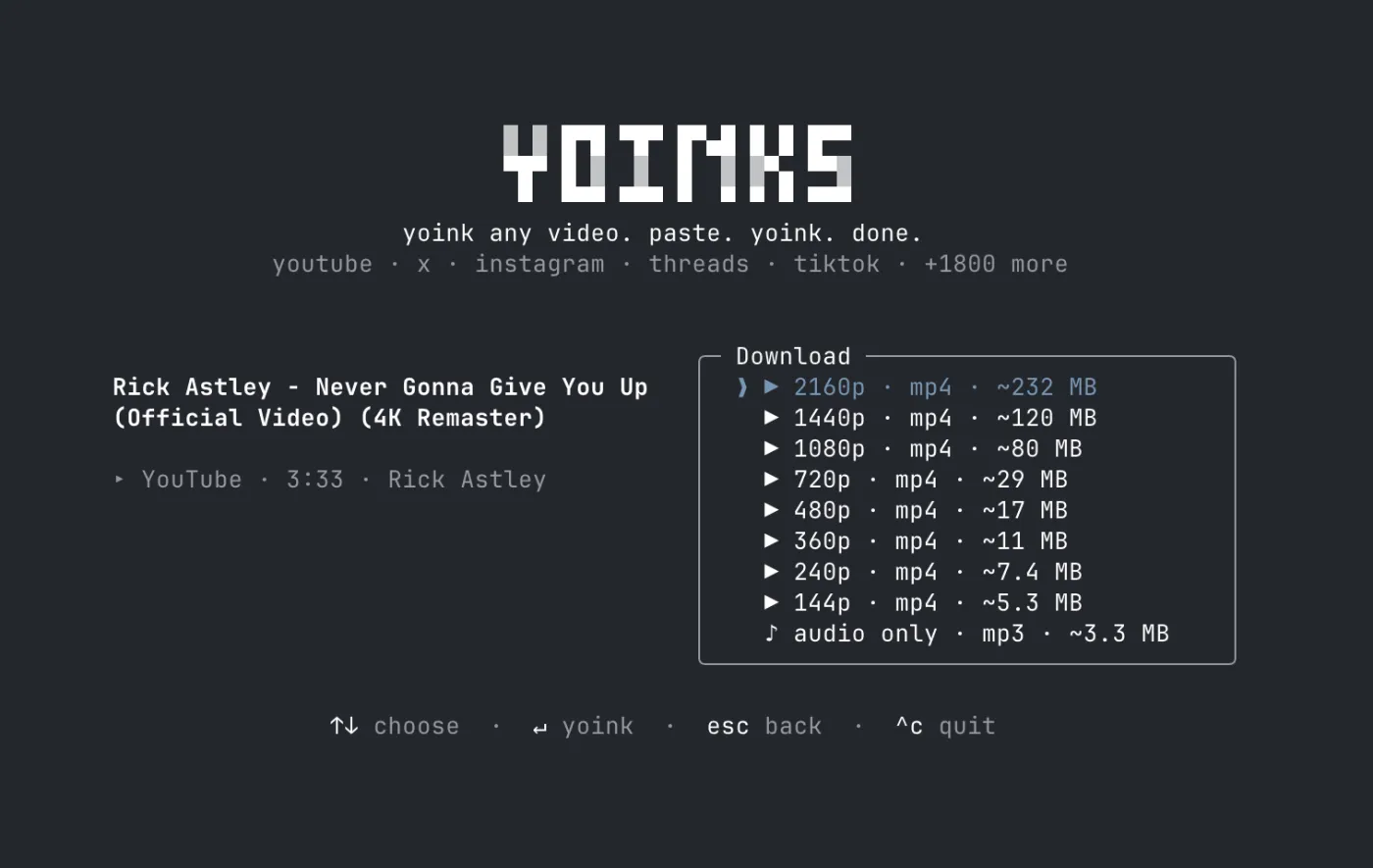
Typical use cases
- Feeding editing pipelines like JianYing: copy the link from a page, two terminal commands, footage on disk.
- Offline archives: lectures, livestream replays and tutorials pulled back to local storage.
- Audio-only workflows: keep just the soundtrack of a podcast or video as MP3.
Quick start
npm install -g yoinks
yoinks
Or skip the install with npx yoinks. First run: take the one video you most want to keep — pick a resolution, enter, check ~/Downloads.
Summary
This fits people who regularly pull from video sites and don’t want a Python environment in the loop; anyone hoping to script batch queues will find it too manual — it’s an interactive TUI, not a scripting tool, and for bulk jobs you want upstream yt-dlp directly. Two pieces of background: the author is a designer (the Open Peeps creator), the repo was created July 16, 2026 and has not been pushed since July 17, with npm sitting at 0.3.1 — a “finished and parked” shape, where site-parsing breakage depends on the auto-updated yt-dlp binary to keep working. And downloads remain subject to each site’s terms of service: personal sourcing is one thing, redistributing what you download is another. Once you have the footage, see jianying-headless, published here the same day — it turns an editing plan into an editable JianYing draft.