azure-cloud-migrate: write the migration assessment before touching code
A Microsoft azure-skills skill that assesses which platform features an app depends on, then converts code and config for Azure into a separate folder.
Skill details
npx skills add microsoft/azure-skills --skill azure-cloud-migrate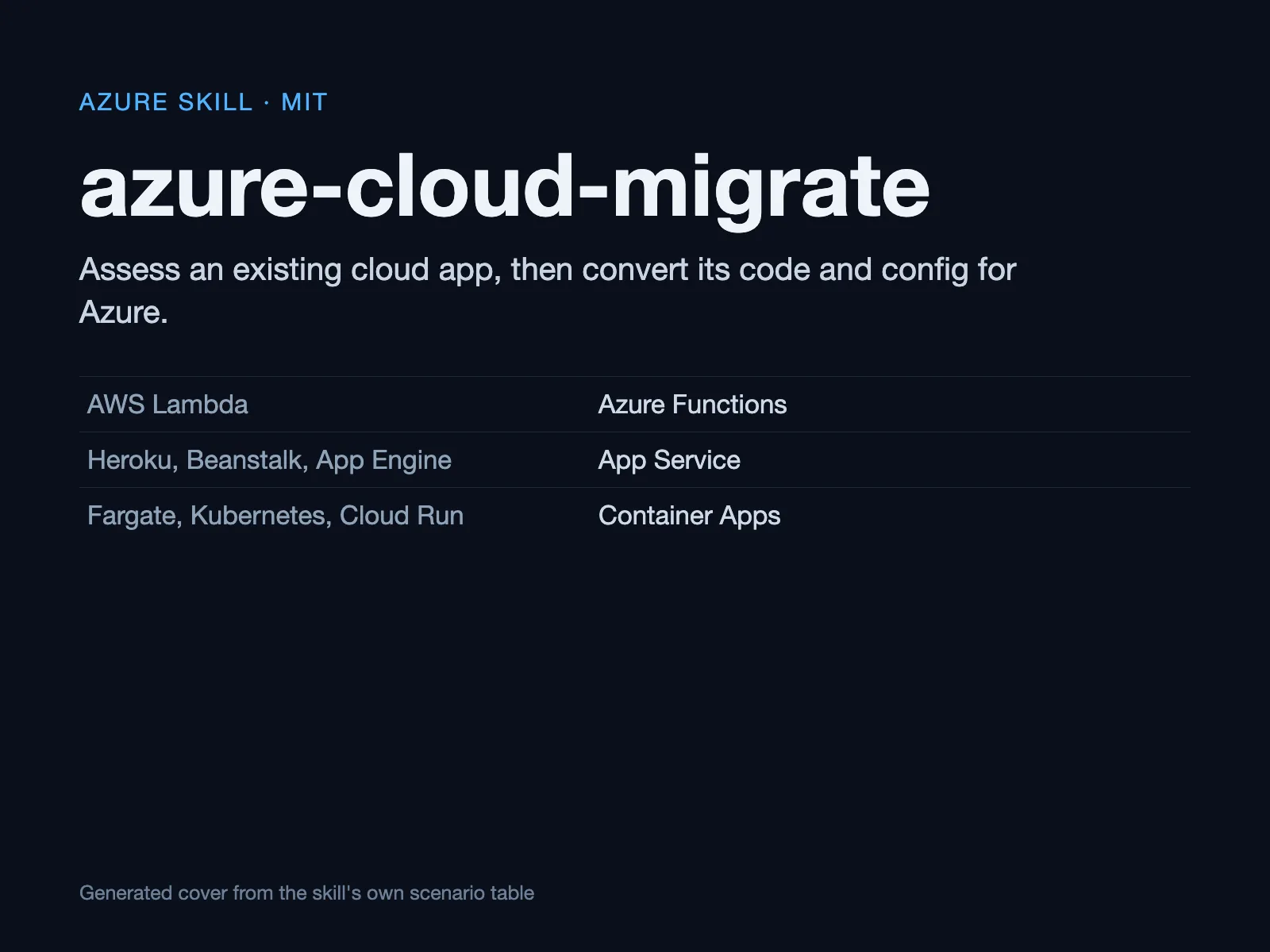
Moving an app from AWS or Heroku to Azure usually breaks on the platform features baked into the code, not on the service names: internal Kubernetes hostnames, how jobs are triggered, runtime environment variables. azure-cloud-migrate is an official skill in Microsoft’s azure-skills repository, and it requires an assessment before any code changes.
The order it works in
The skill file fixes a five-step sequence and states in its rules that phases run in order and cannot be skipped, and that the assessment must exist before code migration.
- Create a folder:
<workspace-name>-azure/at the workspace root receives every artifact; the source directory is never modified. - Assess: read the source, identify which original-platform features it uses, and produce a report from the scenario-specific assessment guide.
- Migrate: convert code and configuration using that scenario’s migration guide.
- Ask: stop after migration and ask whether to test locally or deploy to Azure.
- Hand off: pass to azure-prepare for infrastructure, testing and deployment.
Progress goes into migration-status.md, and long-running operations are expected to report resource-level status.
What it constrains
- A fixed scenario table: Lambda to Functions; Beanstalk, Heroku and App Engine to App Service; Fargate, Kubernetes, Cloud Run and Spring Boot to Container Apps. With no matching scenario, it falls back to the MCP documentation and best-practice tools.
- Service discovery must be scanned: Rule 8 names the case directly, that a Kubernetes internal hostname such as
http://order-service:3001does not resolve in Container Apps, and requires the assessment to scan hardcoded hostnames and ports and propose injecting new addresses through configuration. - Destructive actions need confirmation: Anything that deletes or changes resources must be confirmed with the user first.
- It depends on MCP tools: The rules require
mcp_azure_mcp_get_azure_bestpracticesandmcp_azure_mcp_documentation, so the Azure MCP Server has to be configured first. - Use the latest supported runtime for the target service rather than an old version.
Who it is for
It suits teams doing a cross-cloud migration with Lambda, Heroku or Kubernetes workloads, especially those who want the dependency map settled before editing anything. For a different deployment target, compare golive.
The assess-first order matters because a migration typically fails on things a service rename does not touch: a queue trigger bound to one provider’s event shape, a runtime version the new host does not offer, an environment variable read at build time, or a DNS name resolved only inside the old cluster. The assessment is meant to surface that list before any file is edited, and the scenario reference then supplies the rules for the target service.
One caveat up front: the skill stops at converted code. Its documentation says converted files represent one stage of a migration and that online behavior still needs verification. It also needs the Azure MCP Server and Azure CLI 2.60.0 or later; without them you get static advice only, and the best-practice lookups and documentation calls in the rules cannot run at all.
The skill also expects a workspace root that is a real project directory, because the output folder is derived from its name. If you run it from a scratch folder, you will get a correctly named but empty migration folder, and the assessment will have nothing to read.