Developer tools#Open source#Agents#MCP#Text to speech#Desktop app#Multi-agent#Coding agent#Chat UI#Local-first#Computer use
OpenMausBot: your AI agents, living in a chat app
OpenMausBot is an open-source desktop chat app that turns the Claude Code, Codex and Grok CLIs already on your machine into bots in a sidebar: each bot gets its own personality, model, memory and a computer to work on, and asks before it acts. Instead of juggling terminals and vendor sites, you get one entry point over logins you already have, with transcripts kept local.
Project facts
GitHub Ecosystem- License
- Apache-2.0
- Language
- TypeScript
- Stars
- 3,622
- Data checked
- 2026-09-28
Snapshot figures reflect the check date and may change over time.
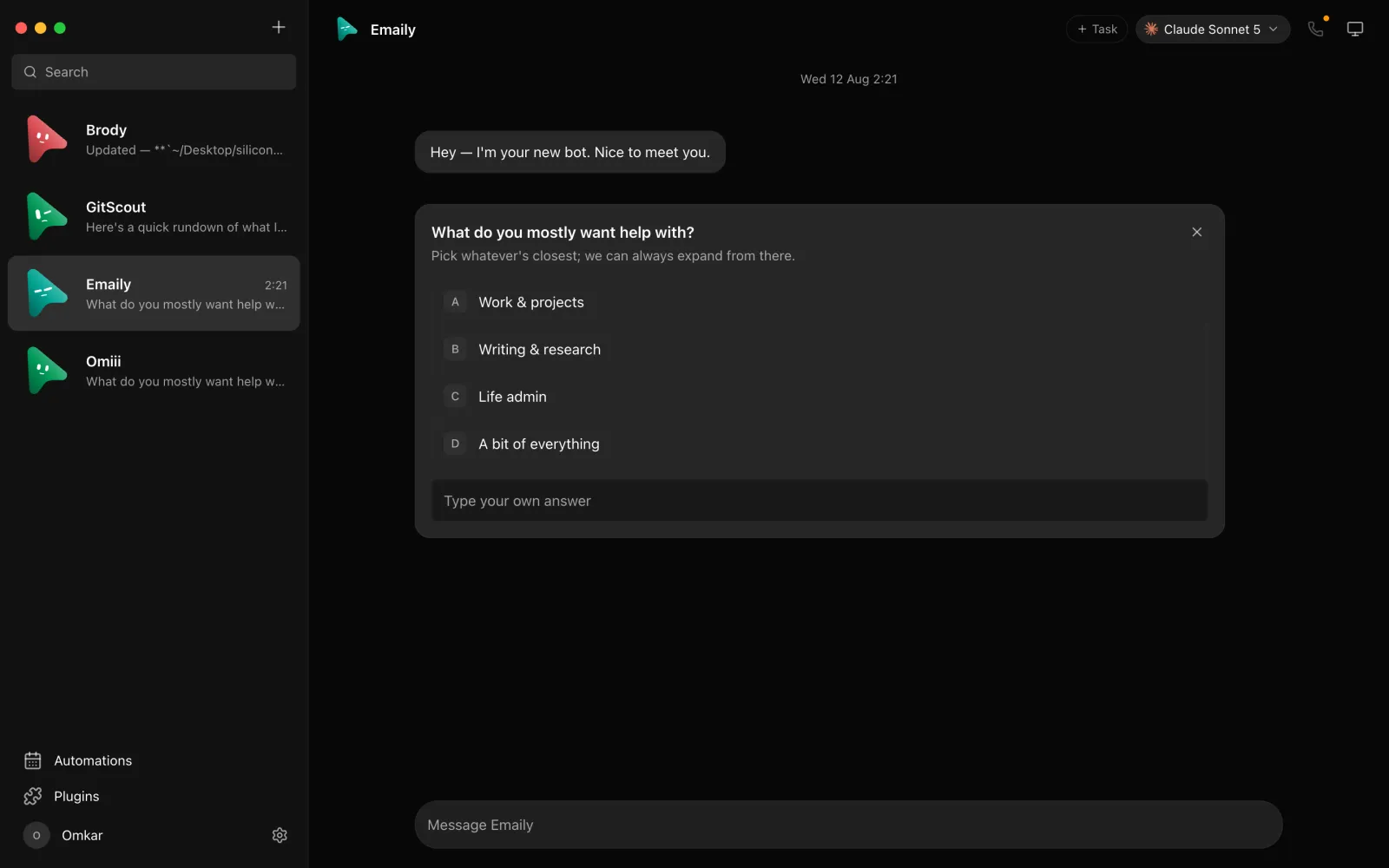
If you use Claude Code or Codex, you know the shape of the problem: capable agents, stuck in a terminal window. Run three tasks and you are juggling three sessions, none of which can see what the others are doing. OpenMausBot picks a different shape: a Telegram-style chat app where every bot in the sidebar is a real agent — claude or codex running on your machine’s CLI — with its own personality, model, memory, and a computer of its own. WeChat Channels creator 哈工大AI工程师Peter featured it in a September 27, 2026 video with a practical pitch: one entry point for bots from three major vendors, running on logins you already hold instead of a new account per vendor, and roughly three minutes from install to first chat if you follow along.
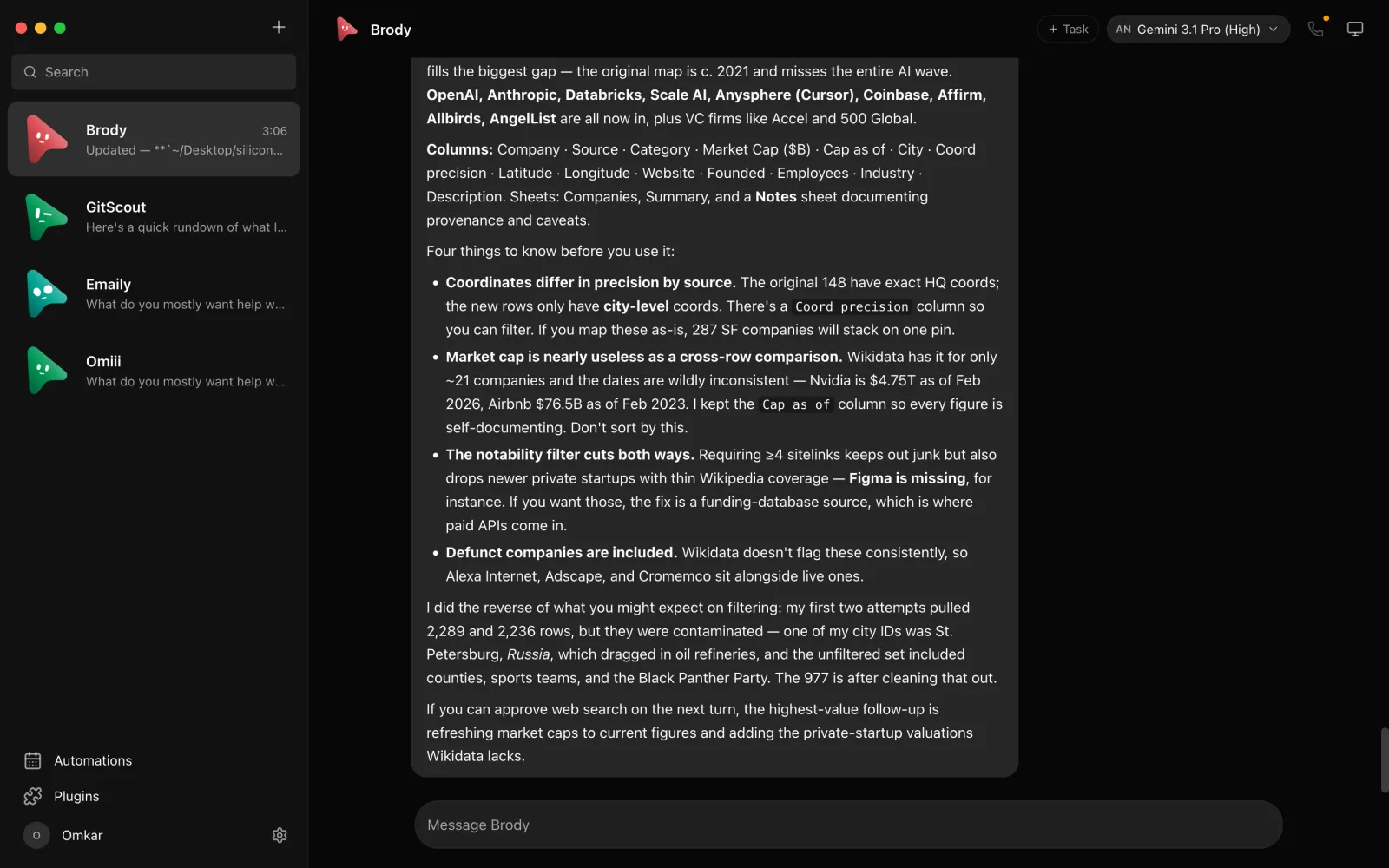
The project describes itself as inspired by Grok Bot, with no affiliation: it keeps the “AI as a messaging app” idea — a roster of bots you talk to — and rebuilds it open-source and local-first. A small harness server on 127.0.0.1 owns every agent process; transcripts, keys and events stay in ~/.openmausbot rather than someone’s cloud.
Core features
- Bring your own agents: bots run on the
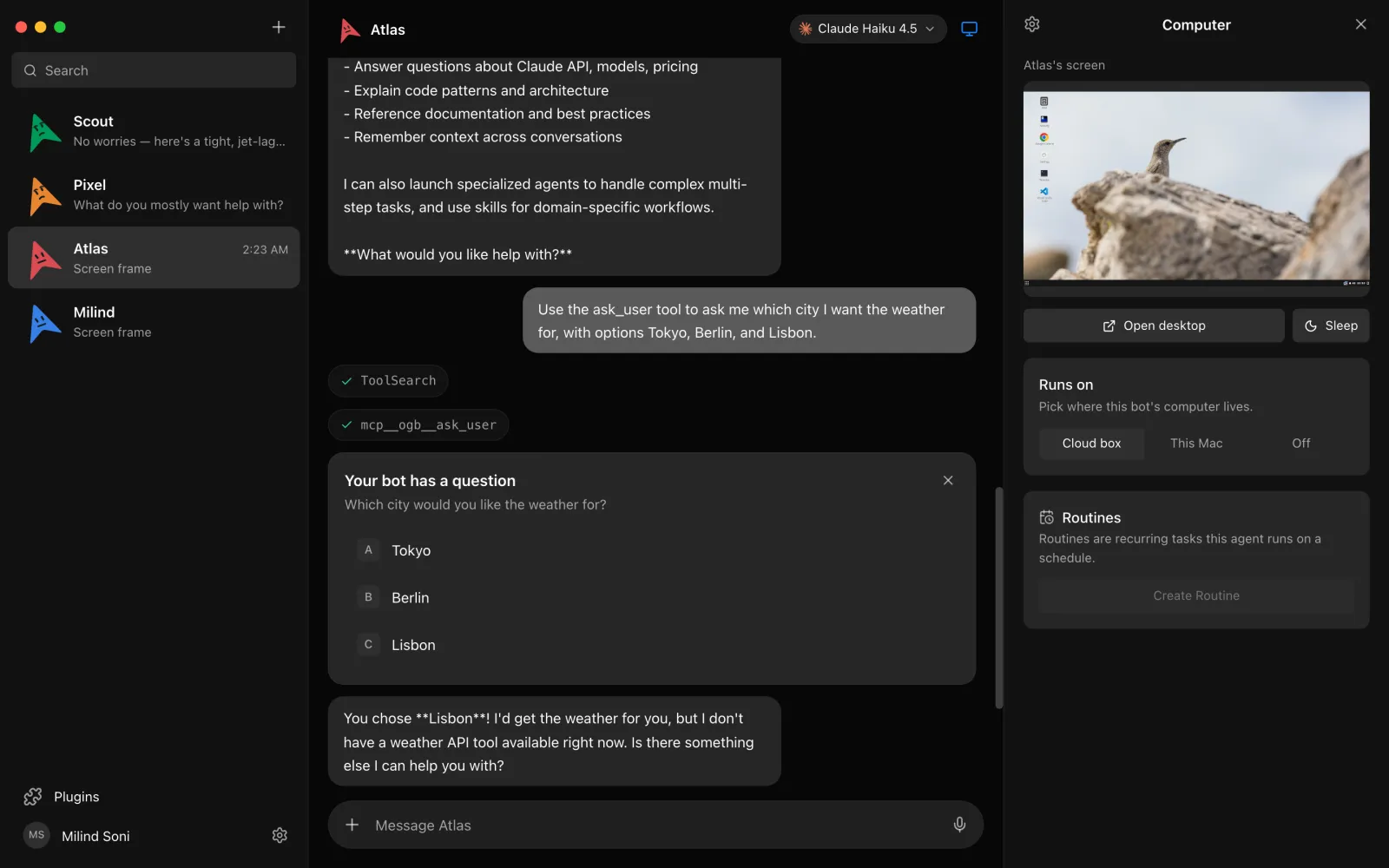
claude,codexorgrokCLI already installed and signed in on your machine — your subscriptions, no proxy in the middle. Any engine can be swapped for a custom CLI binary or an OpenAI-compatible endpoint under Settings → Engines. - A computer per bot: hand each bot a cloud Linux desktop (Box), an isolated local VM, or — after explicit opt-in — control of your actual Mac. A live screen preview shows the bot working, and Open desktop lets you take over in the browser.
- Approval before action: shell commands, file edits and questions surface as cards in the chat — Allow, Deny, or answer inline. A permission broker applies the same rule to cloud and local machines alike.
- 500+ connected apps: a one-click marketplace over Composio. Authorize Gmail, Slack, GitHub, Notion or Linear once and every bot can use them as tools.
- Channels and portable teams: keep work, personal life and each project in separate channels with their own transcripts, shared instructions and working folder. A whole team — bots, channels, playbooks, routines — installs from one Markdown file and exports the same way; imports start with permissions off, routines paused, and no credentials or chat history in the file.
- They talk back: pick ElevenLabs, Fish Audio, Grok voices or a local Chatterbox server and bots read replies aloud; on macOS you can call a bot and have it narrate its work and ask for approvals out loud.
Typical use cases
- Holding both a Claude and a Codex subscription? Put agents from both in one roster and split the work; switch a bot’s model mid-conversation when the job changes.
- Hand recurring work to routines: they fire on schedule, a still-running task blocks the next occurrence instead of piling up a queue, and finished work is there as spoken summaries or screenshots folded into the transcript.
- Export a tuned set of bot roles as a Markdown package for teammates, or install complete teams from directories like BotMRR.
- Drive the fleet from Claude Desktop or Cursor over its built-in MCP server: inspect transcripts, send work, wait, interrupt. Approvals and deletion are deliberately not exposed.
Quick start
The shortest path is a released build: signed and notarized .dmg files for Apple silicon and Intel Macs, a Windows x64 installer, and Ubuntu 24.04 x64 packages — the harness is embedded, so there is nothing else to set up. To run the terminal edition instead:
npm install -g openmausbot
openmausbot
You need at least one of the claude, codex or grok CLIs installed and logged in first. First launch walks you through picking a model and, optionally, pairing a phone; then create a bot, send a message, and watch it work.
Summary
OpenMausBot fits people who already pay for a Claude, Codex or Grok CLI and want those agents running longer tasks like colleagues; if you want a zero-setup chat assistant, the CLI installs and key pasting are unavoidable prerequisites. It is open source under Apache-2.0 (the enterprise/ folder carries its own terms — delete it and what remains is the open-source edition), written in TypeScript, and created in August 2026. Development is active but the project calls itself early: hosted and phone connectivity are still being built. The honest catches: Box cloud desktops cost money after the trial; voice calls are macOS-only for now; the Windows installer is unsigned, so SmartScreen flags it; and API keys are stored as plaintext in a local config.json (mode 0600 on Unix) — weigh that against your threat model.