shaders: 200+ WebGPU effects as frontend components
shaders is a WebGPU effects library from Shader Effects, Inc.: 200+ effects as components for React, Vue, Svelte and Solid, MIT open-sourced on 2026-10-06.
Project facts
GitHub Ecosystem- License
- MIT
- Language
- TypeScript
- Stars
- 4,613
- Data checked
- 2026-10-13
Snapshot figures reflect the check date and may change over time.
AI can scaffold a landing page in minutes, but the result usually looks like it: layout done, visual spark missing. Adding a animated gradient or a cursor-following glow used to mean writing WGSL by hand or adopting an effects library tied to one framework. shaders, maintained by Shader Effects, Inc. under MIT (about 4.6k stars as of 2026-10-13), turns 200+ WebGPU effects into ordinary frontend components: <Shader> paints the canvas and child components stack as layers, blended on the GPU. The engine and every component went MIT open source on 2026-10-06, free for personal and commercial work.
Core features
- Declarative components, no shader code:
<Shader>renders the canvas; children like<LinearGradient>and<CursorTrail>are evaluated top to bottom and blended on the GPU. Gradients, noise, glass, metal, distortions and transitions nest, mask and stack, with typed props and SSR safety. - Five entry points, one set of props: first-class React, Vue, Svelte, Solid and plain JavaScript entries ship in the same
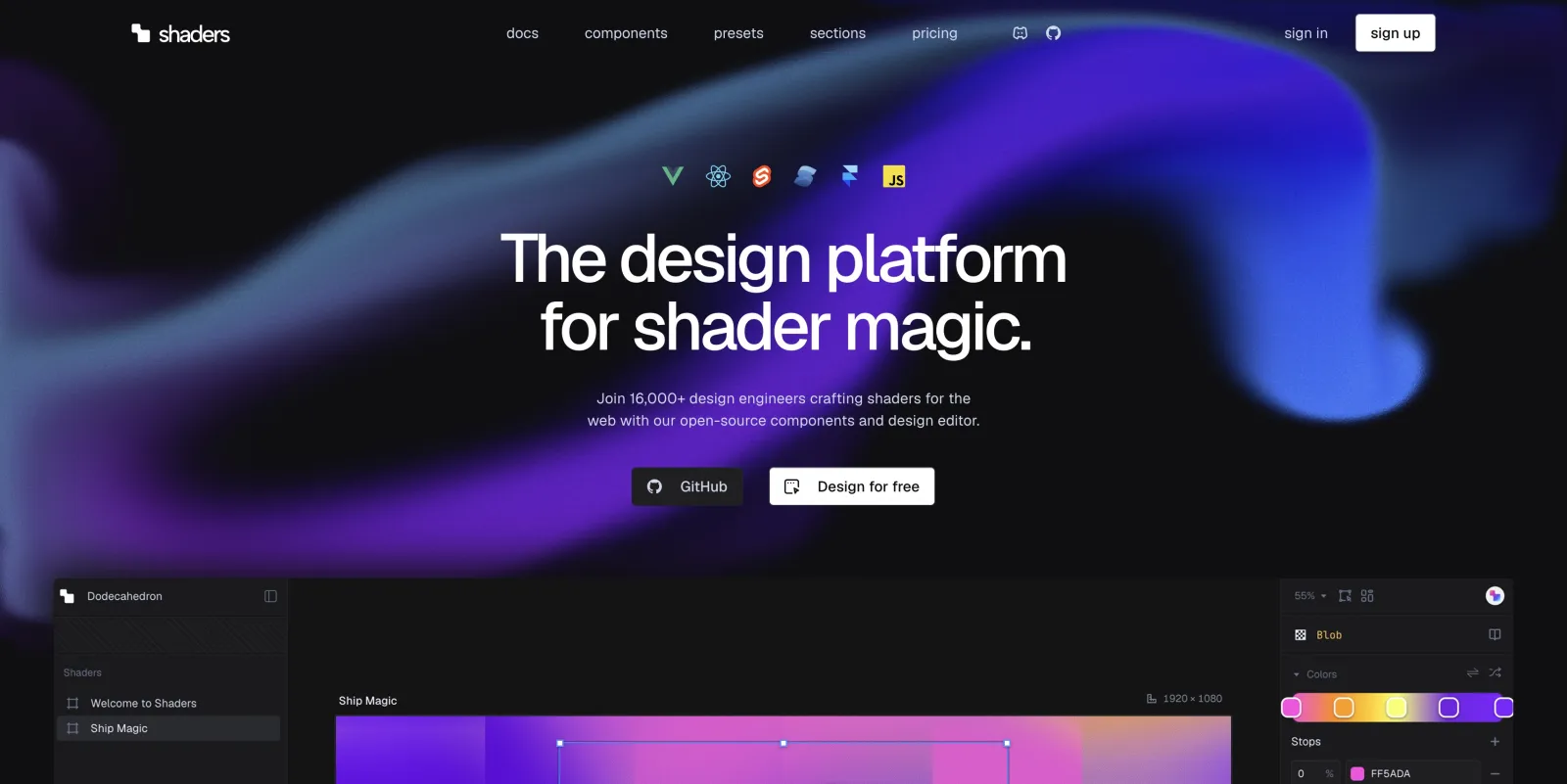
shadersnpm package (v4.0.4), which saw about 1.27 million downloads in the last month (npm downloads API, 2026-09-12 to 10-11). - A design editor that exports your code: the editor at shaders.com is an infinite canvas — stack components, tune every prop, drive them from the cursor or a timeline, then hit Export Code for the component tree in your framework. Free with an account.
- Agent Skill and MCP:
npx shaders skill(ornpx skills add shader-effects-inc/shaders) teaches a coding agent the component library and the CLI workflow;npx shaders@latest install-mcpconfigures Claude Code, Cursor, Codex and others so the agent can find, install and edit the effects you design. - CLI syncs designs into your repo:
npx shaders connectlinks a codebase to a Shaders project, thennpx shaders installandnpx shaders updatewrite the editor’s changes as real component files, recorded in a lock file. - Custom components are supported:
defineShadertakes a name, props and a per-pixel paint function; writing WGSL directly is the stable path, composing from std primitives is still experimental.
Typical use cases
- A product site, campaign page or portfolio that needs a distinctive animated background, without keeping a graphics programmer on staff.
- Designers tune the effect in the editor and hand over exported component code, so the frontend implements instead of reinterprets.
- Developers already prompting AI for pages: with the Skill and MCP installed, you can tell Codex to “add a animated gradient background, glass and cursor interactions to my Vue site using Shaders.”
Quick start
npm install shaders
A few lines in React show the effect:
import { Shader, LinearGradient, CursorTrail } from 'shaders/react';

<Shader className="w-full h-64">
  <LinearGradient colorA="#0f172a" colorB="#7c3aed" />
  <CursorTrail />
</Shader>;
You get a animated gradient background with a cursor trail. All 200+ components have live previews and full prop docs at shaders.com/docs/components, and llms-full.txt carries the complete component reference. If plain JavaScript is your stack, createShader from shaders/js takes the same component objects and mounts them on any DOM element. For a longer page, drive props from a timeline in the editor and export the result — no scroll listeners to write by hand.
Summary
Worth a look for frontend developers and design engineers who want visual spark without touching WebGPU; teams building admin dashboards can skip it. The MIT code is free, but Pro presets (1,000+), 55+ prebuilt sections and watermark-free video rendering stay paid, and the design editor is a platform feature with its own terms — read shaders.com/license before commercial use. The README claims 16,000+ design engineers already use it (vendor’s own number, not independently verified). WebGPU browser support is on you to evaluate; on older browsers you need a fallback or a static image. If you want the visual direction settled before writing code, frontend-design covers that; for 3D product or architecture scenes rather than flat effects, threejs-architecture-effects is the better fit.