text-to-cad: give your agent CAD models as STEP, GLB, STL or 3MF
text-to-cad is an MIT-licensed plugin that lets Claude Code, Codex and other AI agents write STEP, GLB, STL or 3MF models locally.
Project facts
GitHub Ecosystem- License
- MIT
- Language
- Python
- Stars
- 22,043
- Data checked
- 2026-10-21
Snapshot figures reflect the check date and may change over time.
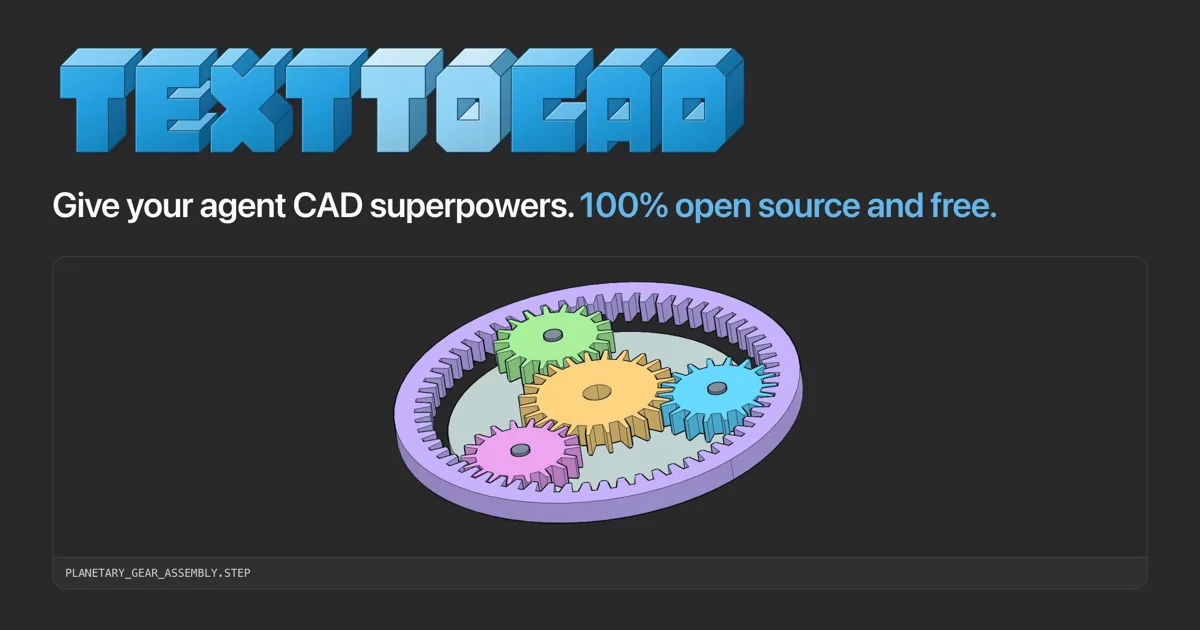
text-to-cad is an MIT-licensed open-source project that lets an AI agent write STEP, GLB, STL or 3MF files on your machine. It installs as a plugin for Claude Code, Codex, Cursor, Gemini or Grok, or as plain skills for other agents. Getting a part ready for a 3D printer or a machine shop takes more than a model file, because the shop also needs a format it accepts, a check that the part can be made, and a drawing. The CAD kernel is OCP, OpenCascade’s Python binding, and the README’s badges list build123d 0.11 and Open CASCADE 7.9.
Core features
text-to-cad’s features follow the skills in its README. The list below puts the ones most readers will reach for first.
- STEP first, then GLB, STL and 3MF: The CAD skill writes STEP as its main output. The README says the same model can also be exported as STL, 3MF and GLB.
- Manufacturing review with cited rules: The DFM skill reviews a part for sheet metal, CNC machining or injection molding. The README says every finding comes with measured evidence and the rule it cites.
- Print readiness checks: DfAM Check measures a mesh for each process: wall thickness, overhangs, support volume and build orientation.
- PDF engineering drawings: The Engineering Drawing skill turns a part into a dimensioned PDF with hole callouts and a title block.
- Hand-off to fabrication services: The SendCutSend skill checks DXF and STEP files before upload. The G-code skill slices with OrcaSlicer using your own printer presets, and the Bambu Labs skill sends prints through Bambu Connect, Bambu Lab’s official app or Bambu Studio.
- Robot and simulation files: The URDF, SRDF and SDF skills write robot structure, MoveIt planning groups and simulator models.
Typical use cases
text-to-cad fits the kinds of work below, and each one maps to a group of skills in the README.
- An engineer sending a sheet metal or CNC part to a shop: Run the DFM skill, produce a PDF drawing with the Engineering Drawing skill, then check the DXF or STEP file with the SendCutSend skill before upload.
- Someone printing their own parts: Use DfAM Check on wall thickness, overhangs and orientation, then slice with the G-code skill or send the job to a Bambu Lab printer.
- Someone who needs 2D cut files: The DXF skill creates profiles, templates and gasket drawings from Python sources or CAD geometry.
- A robotics or simulation developer: Write URDF links, joints and limits, add MoveIt planning groups and collision rules in SRDF, and build the simulator world in SDF.
Another 3D modeling entry is floorplan-3d. The two take different inputs and serve different jobs, so it is worth comparing them.
Quick start
text-to-cad’s install command changes with the agent app. Here is the Claude Code version from the README:
claude plugin marketplace add earthtojake/text-to-cad#latest
claude plugin install text-to-cad@earthtojake
Install uv first, and confirm it with uv --version. Restart Claude Code. The first start downloads CAD’s runtime, so the machine needs a network connection. Then ask the agent to show a model. In an app that can display viewer cards, the model appears in the conversation. In a terminal, you get a link that opens the model in the CAD Viewer in your browser.
Summary
text-to-cad suits people who already use one of the supported agents and want STEP files and drawings from it, especially for small batches of parts that should pass a manufacturability check before they go to a printer or a shop. It does not suit anyone who wants a traditional CAD interface without an agent, and its checks should not be read as a machine shop’s final review. GitHub lists Python as the main language. The license is MIT. The repository was created on April 22, 2026, last pushed on October 20, 2026, and is not archived. As of October 21, 2026, it had 22,043 stars.
Four things to know first. Telemetry is on by default: the README says the CAD app, the browser viewer and the build daemon send usage statistics and crash reports under a random install ID, never with file names, paths, contents or prompts. Turn it off with uvx cadgen telemetry off. On Windows 11, Smart App Control blocks the unsigned OCP native module, and the import fails with ImportError: DLL load failed while importing OCP. The README’s options are to turn Smart App Control off, which can only be reversed by reinstalling Windows, or to run the CAD skills under WSL. The Claude Desktop config pins cadgen to a version in its args (0.7.26 in the README example), so updating means editing that version by hand. Finally, the README describes the DFM and DfAM Check measurements as geometry only and mentions no tolerances or materials.
Our check covered the README, the LICENSE file and the repository metadata. We did not install or run the tool, so we have not tested the quality of any generated model.