Ant Group opens Ming-Image design models: two 6B models for generation and layer splitting
Ant Group's Ling team open-sourced Ming-Image-0.1-Design on 22 September: two 6B models for text-heavy design generation and image layer splitting, MIT.
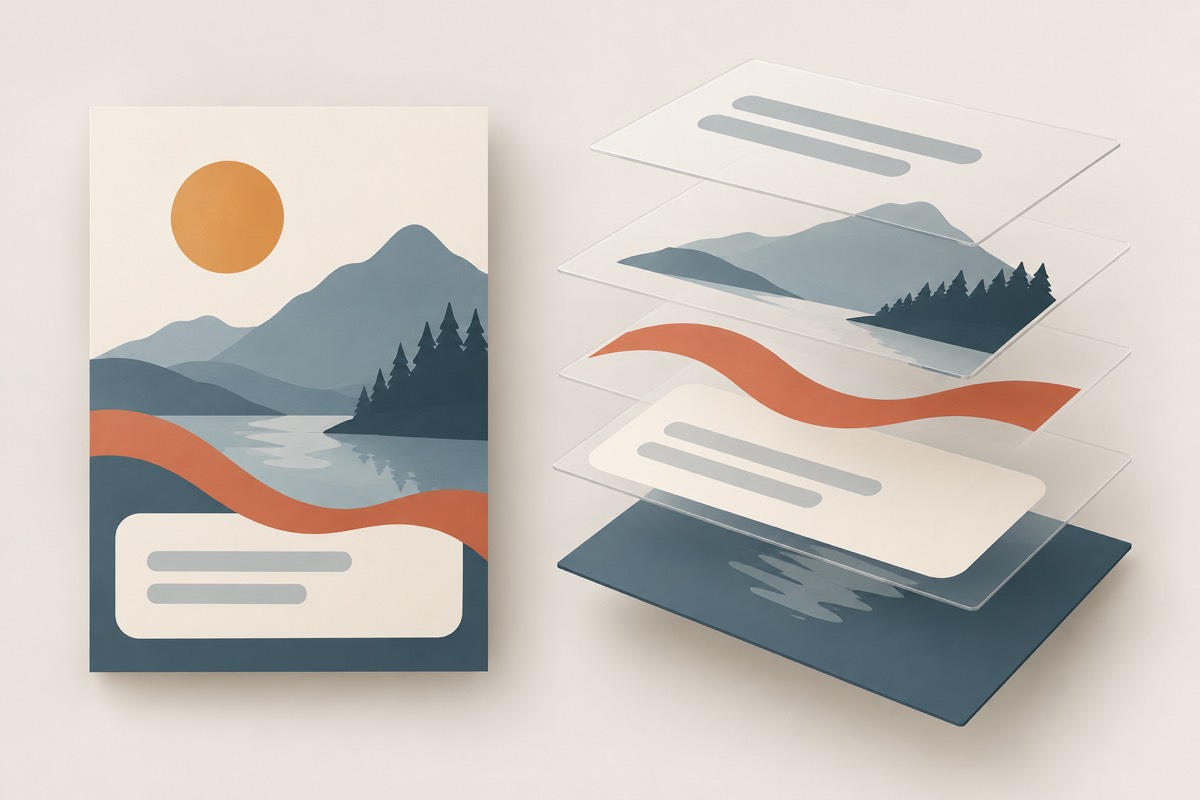
On 22 September 2026, Ant Group’s Ling team open-sourced the Ming-Image-0.1-Design series: two 6B-parameter models plus two agent skills. One generates text-heavy design output — UI, dashboards, infographics and posters — while the other splits a finished composite image into 2 to 9 separately editable transparent layers. Both models ship under MIT, free for commercial use and modification, and on release day the generation model ranked first among open-weight models on Artificial Analysis’ UI/UX design leaderboard.
Key points
- The series contains two models: Ming-Image-0.1-Design (text-to-image, structured prompts up to 8K tokens) and Ming-Image-0.1-Design-Layer (splits a finished image into 2–9 RGBA layers), both 6B parameters under MIT.
- Third-party leaderboard: on Artificial Analysis’ text-to-image UI/UX board — which counts only open-weight models, converting blind pairwise votes from its image arena into Elo — Ming-Image takes first with 1082 points, ahead of Ideogram 4.0 (Quality) at 1052.
- Generation supports native RGBA output, so icons, stickers and figures come with a transparent channel already in place — no separate cutout pass for hair and fur edges.
Background
Text-heavy, element-dense images have long been the weak spot of image models: a dashboard carries titles, numbers, axes and legends, and more text means more typos and garbled characters. Ming-Image targets exactly that, producing complete UI, dashboards, infographics and posters where layout, type, color and imagery stay consistent across the frame.
Ant Group previously open-sourced the general-purpose Ling-3.1-flash (about 560B MoE, MIT — see Ant opens Ling-3.1-flash weights); Ming-Image is the same team’s vertical branch into design, separate from the general chat model.
The facts
| Item | Value / note |
|---|---|
| Parameter scale | 6B for both models |
| License | MIT, free for commercial use and modification |
| Prompt length | Up to 8K tokens, structured (blocks, text, fonts and colors described item by item) |
| Layer model output | 2–9 independent RGBA layers; an optional layer plan specifies what goes on each layer, or a bare layer count lets the model decide |
| Recommended Layer resolution | 1024 (512 for speed), output preserves the source ratio, each layer saved as a transparent PNG |
| AA UI/UX board | Ming-Image 1082 first; Ideogram 4.0 (Quality) 1052 second |
Launch demos covered luxury e-commerce homepages, landing pages, mobile social feeds, game UI, infographics, four-panel comics and character turnaround sheets; the Layer example split a “World Card Making Day” card into six layers — text, illustration, paint supplies, ribbon, card frame and solid background — that restack into the original. Hugging Face hosts an online demo, so trying it does not require an 80GB GPU.
What others say
The evidence boundary matters: the AA board compares open-weight models only, so first place does not mean it beats closed commercial models — where it would land on the all-inclusive board was not stated at release. The demo videos and samples are all official, with no independent third-party evaluation yet; the “six layers reproduce the original” claim comes from an official example, and fidelity on complex compositions is yours to verify.
Our take
What matters for designers and front-end developers is that the Layer model turns editing from re-rolling the dice into editing layers: change a poster’s headline and only the text layer moves. That gives agent participation in design workflows a concrete foothold — the official recipe is to have Ling-3.0-flash-VL or qwen3.8-27B read the image and write the layer plan, then hand it to the Layer model.
The limits are equally clear: at 6B this is a vertical-scene tool, not an all-rounder; extremely dense layouts can still produce typos; and while MIT permits commercial use, the exact scope of weights and training data is set by the Hugging Face pages. For complete design pipelines, ComfyUI and Doory cover node-based generation and browser design editing at the two ends.