chengfeng-cut: your agent lists the cuts, never touches the video
Chengfeng's open-source skill for editing talking-head videos: five scan passes over a word-level transcript, one human-reviewed deletion ledger, no media cut.
Skill details
npx skills add Agentchengfeng/chengfeng-videocut-skills --skill chengfeng-cut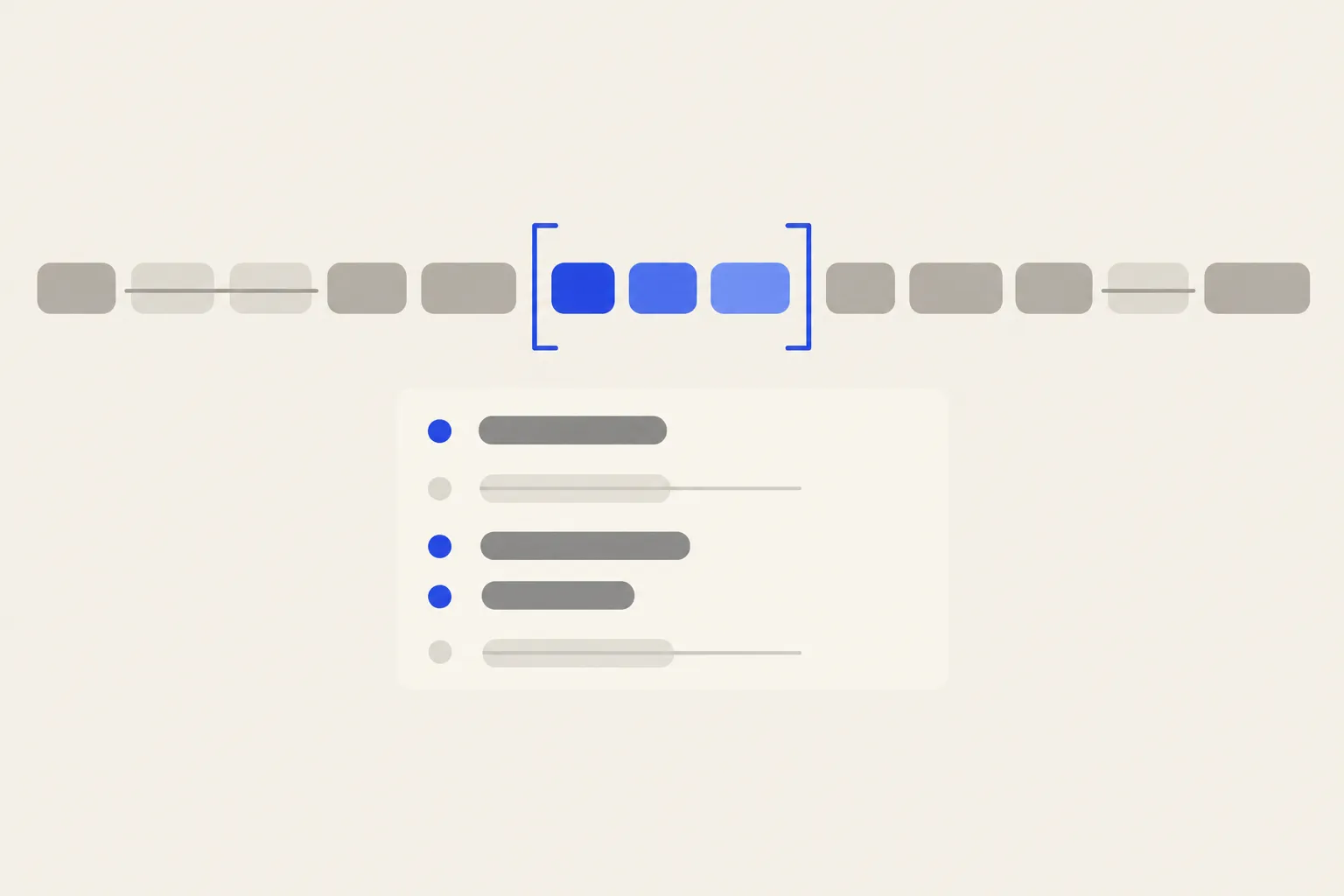
Recording a talking-head video means flubbed lines, the same sentence delivered three times, and a steady stream of filler words. Cleaning that up is the slow part of editing, and letting an agent cut the footage itself risks one irreversible file. chengfeng-cut is the edit skill in chengfeng-videocut-skills, published by Chengfeng (AI产品自由) under Apache-2.0 and starred about 3.0k times as of 2026-10-08. Its approach is narrow on purpose: the agent only decides which words to delete, you review the result, and when the skill finishes there is still no new video on disk.
The order it works in
chengfeng-cut runs seven steps, and each step counts as done only when it has produced its artifact. No table, no completion.
- Readiness: run the readiness check from the sibling update skill, confirming skill and Runtime versions match, and stop if they don’t.
- Project setup: take your real video and a cloud word-level transcript, have the product create the project and start its service, then read state back and check the projectId.
- Spelling fixes: a dictionary corrects proper nouns the transcript misheard, and you get a fix table to look at.
- Deletion scan: five passes over the transcript in playback order, each hunting a single kind of problem.
- Summary: a deletion summary table plus a repeated-sentence table, then the agent reads the post-deletion text aloud to itself and withdraws any row that no longer reads cleanly.
- Review: both tables go to you, then the Studio workbench opens so you select, restore and save by hand.
- Retrospective: the agent’s proposal is diffed against your final version, and three local files record taste differences, name errors and rule gaps.
The five passes run in this order: repeats, broken-off sentences and restarts, misspoken-then-corrected words, English stutters, and filler words. They go from objective to subjective, and the last one follows the tolerance you have recorded.
What it constrains
- Ledger only: deletions land in Cuts and the edit list. Cutting and export belong to the separate
chengfeng-exportskill in the same repo. - Playback order only: “said twice” must be judged from the
transcript playbackoutput, never from a hand-assembledtranscript.json. The skill’s incident log says a hand-built view once mistook skipped segment numbers for missing content and rejected two correct calls. - Full conclusions only:
cuts setreplaces rather than appends, so submitting only new finds silently drops the previous round. After submitting,noLongerCutmust be zero or the agent resubmits. - No guessed names: if neither dictionary nor script confirms a spelling, the skill reports it and leaves it for you to add.
- Two states: a word is deleted or it isn’t. When unsure, it isn’t listed.
Who it’s for
If you record your own talking-head videos, cut a dozen repeats and slips per take, and want your eyes on every one, a ledger plus a review pass is safer than a one-click filler remover. Compared with jianying-headless, which generates an editable draft, this skill stops one step earlier: it answers what to delete and leaves the cutting to someone else.
The catches are real. It ships as a Codex plugin. The documented install is node bin/install.cjs install from the repo, which needs Node.js 18+, Git and a Codex CLI that supports codex plugin. The skill is listed on skills.sh, but that route does not set up the Runtime, and I have not tested it in Claude Code. The Runtime and Studio live in a separate repo, chengfeng-videocut (Apache-2.0), pinned to v0.4.11 and prepared separately. Transcription must use an approved cloud ASR service; without one the skill reports missing_cloud_transcription_adapter and stops, with no local fallback, so audio privacy and cost are yours to weigh. The README also warns that the newer workbench skill needs Runtime 0.5.9 or later, while the public download is still 0.4.11.