Design#Video editing#Motion graphics
remotion-best-practices: make agents write React video frame by frame, preview first
Remotion's official remotion-best-practices skill routes a coding agent through React video work: Studio preview first, render only when you ask.
Skill details
npx skills add remotion-dev/skills --skill remotion-best-practices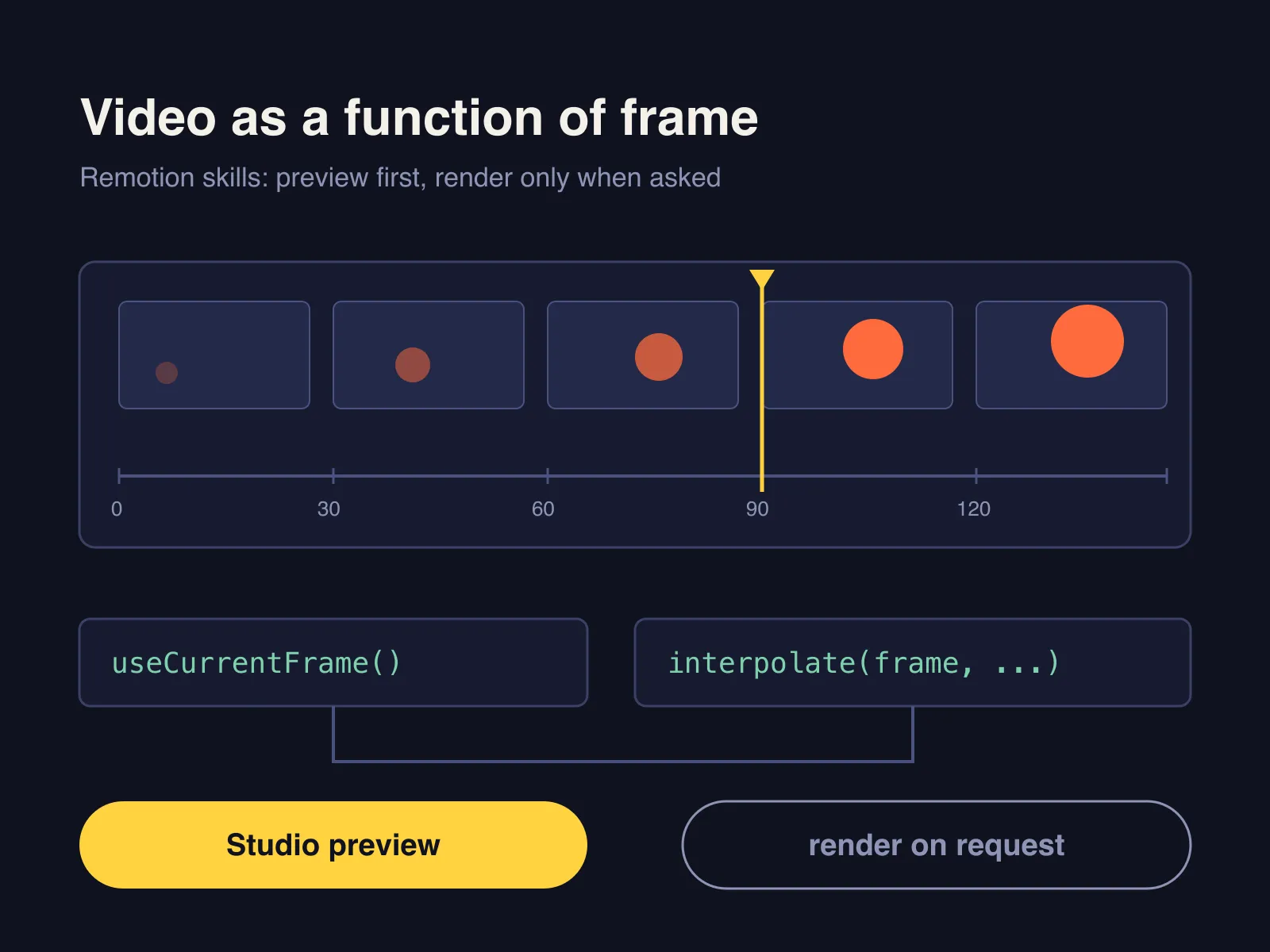
A general coding agent asked to write a Remotion video tends to bring web habits along: it animates with CSS transition, then renders an MP4 right after editing. The preview doesn’t move, the render takes minutes, and the result still isn’t what you wanted. remotion-best-practices is the main skill in Remotion’s official remotion-dev/skills repo, currently at version 4.0.534, and it works as a router: it works out what you’re asking for, then loads the matching sub-skill.
The repo holds 12 skills, and installing this one is enough. The README describes it as covering all the others and the one to use when you’re unsure which applies; the sub-skill folders are nested inside its directory.
The order it works in
remotion-best-practices reads the request first, then branches. For a new video it goes to remotion-create: an empty folder is scaffolded in place with npx create-video@latest --yes --blank --no-tailwind ., while a folder holding meaningful files such as .env or .git gets a new subfolder instead. Once the project runs, the first move is opening Studio so you can watch the work as it happens, not receive a result at the end.
It runs npx remotion render only when you explicitly say render, export, or “give me the MP4”. The SKILL.md gives its reason: Studio has a friendlier render interface, and what the user wants is an interactive preview, not a file. For React markup it hands off to remotion-markup; maps, captions, doc lookups and upgrades each have their own sub-skill.
What it constrains
- Animation by frame: drive motion with
useCurrentFrame()andinterpolate(). CSStransition,animationand Tailwind animation classes don’t render correctly and must be rewritten. - Time through fps: convert seconds with the
fpsfromuseVideoConfig(), as intrimBefore={4 * fps}, so a frame-rate change doesn’t break timing. - One JSX node per editable item: Studio finds items through source nodes, so clips you want to drag or re-keyframe shouldn’t come from a loop.
- Premounted media: timed media and
<Sequence>getpremountFor={fps}, which preloads them one second early. - Video layout, not web layout: in a 1080 px wide frame, headlines are at least 84 px, supporting text at least 44 px, and key content stays 80 px from the edges.
The first rule matters most. From reading the SKILL.md, what it removes is the round of rework after a render reveals that the CSS animation never ran. If your video starts from subtitles instead, srt-whiteboard-animation takes the other route, with the agent drawing a hand-drawn scene per subtitle block, while here you write each frame in code. OpenMontage uses Remotion as one of its optional composition engines.
Who it’s for
It fits people who write React and want to make videos in code: data visualizations, product promos, templated caption videos. The skill saves detours but doesn’t design for you, so how the result looks still depends on your material and your brief.
Check the licensing first. This skill repo ships no license file, and GitHub’s license field is empty. What it teaches is Remotion, whose own license (LICENSE.md, as of 2026-10-08) is tiered: individuals, for-profit organizations with up to 3 employees, and non-profits use it free, commercial work included, while larger for-profit companies need a paid company license. Before a company project ships, read the official terms rather than assuming a free skill means free software.
It also needs Node.js and Git. Sub-skill versions track the Remotion release (4.0.534 now), so rules may drift from a project pinned to a much older Remotion; remotion-upgrade exists for that. remotion-docs calls Remotion’s public documentation search endpoint, so it won’t work offline. The repo had 4,883 stars on 2026-10-08, with its latest commit on October 7.