GPUI Kit: a Rust UI kit for desktop apps
GPUI Kit is a GPUI UI kit for Rust desktop apps. Its 0.x API may change between minor versions, and the README claims 75-plus components.
Project facts
GitHub Ecosystem- License
- Apache-2.0
- Language
- Rust
- Stars
- 18,448
- Data checked
- 2026-10-21
Snapshot figures reflect the check date and may change over time.
If you want a desktop app in Rust without hand-drawing every button, table and dock panel, GPUI Kit is worth a look. It is a Rust UI kit from the longbridge GitHub organization, built on GPUI, the UI framework from Zed Industries, and its README claims 75-plus components and primitives. If you searched for a GPUI UI kit in Rust, the answer is this repository, gpui-kit. Its most useful design choice is the layering: an app depends on one crate, gets the styled controls by default, and can switch them off to keep only the unstyled base.
Core features
GPUI Kit’s README lists fifteen features. Five matter most for a first look.
- 75-plus components: They cover forms, navigation, overlays, data display, editing, feedback and layout. The README does not list each one. The project’s documentation site is gpui-kit.com.
- Data tables and a code editor: Tables scroll virtually and support resizable columns and sorting, and the README says they handle hundreds of thousands of rows. The editor has Tree-sitter highlighting and LSP diagnostics and completion, and the README claims stable performance at 200K lines.
- Dock layout: Panels resize, tabs drag, splits nest and panels dock to the edges. The whole layout is serializable.
- One codebase, three desktops: The README says the same Rust code ships to macOS, Windows and Linux, and that apps can also run in a browser through the
wasm32-unknown-unknowntarget. - Accessibility and UI tests: AccessKit roles, states and actions are built into the interaction layer. UI integration tests render components in headless windows, drive mouse and keyboard input, and check focus and layout.
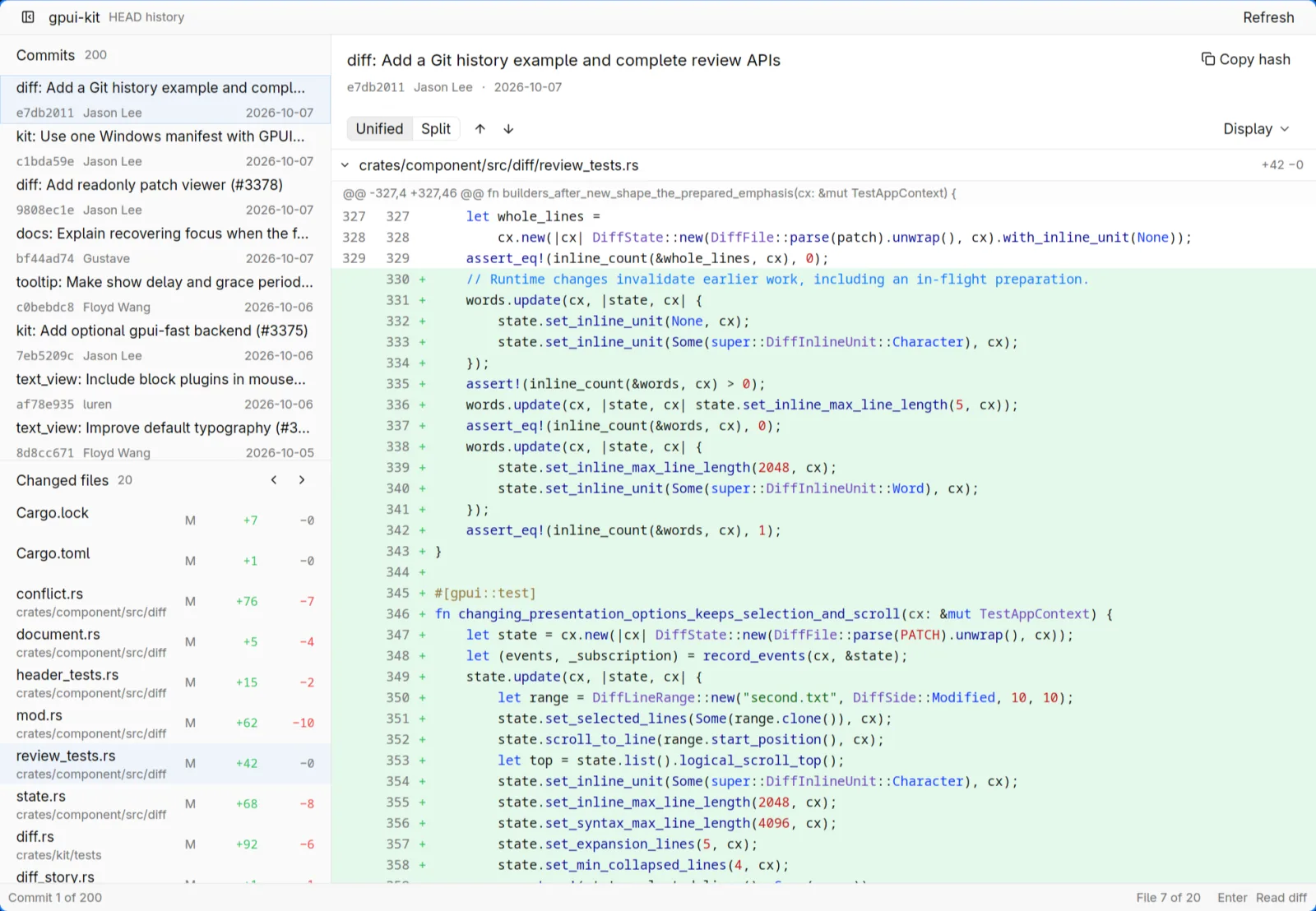
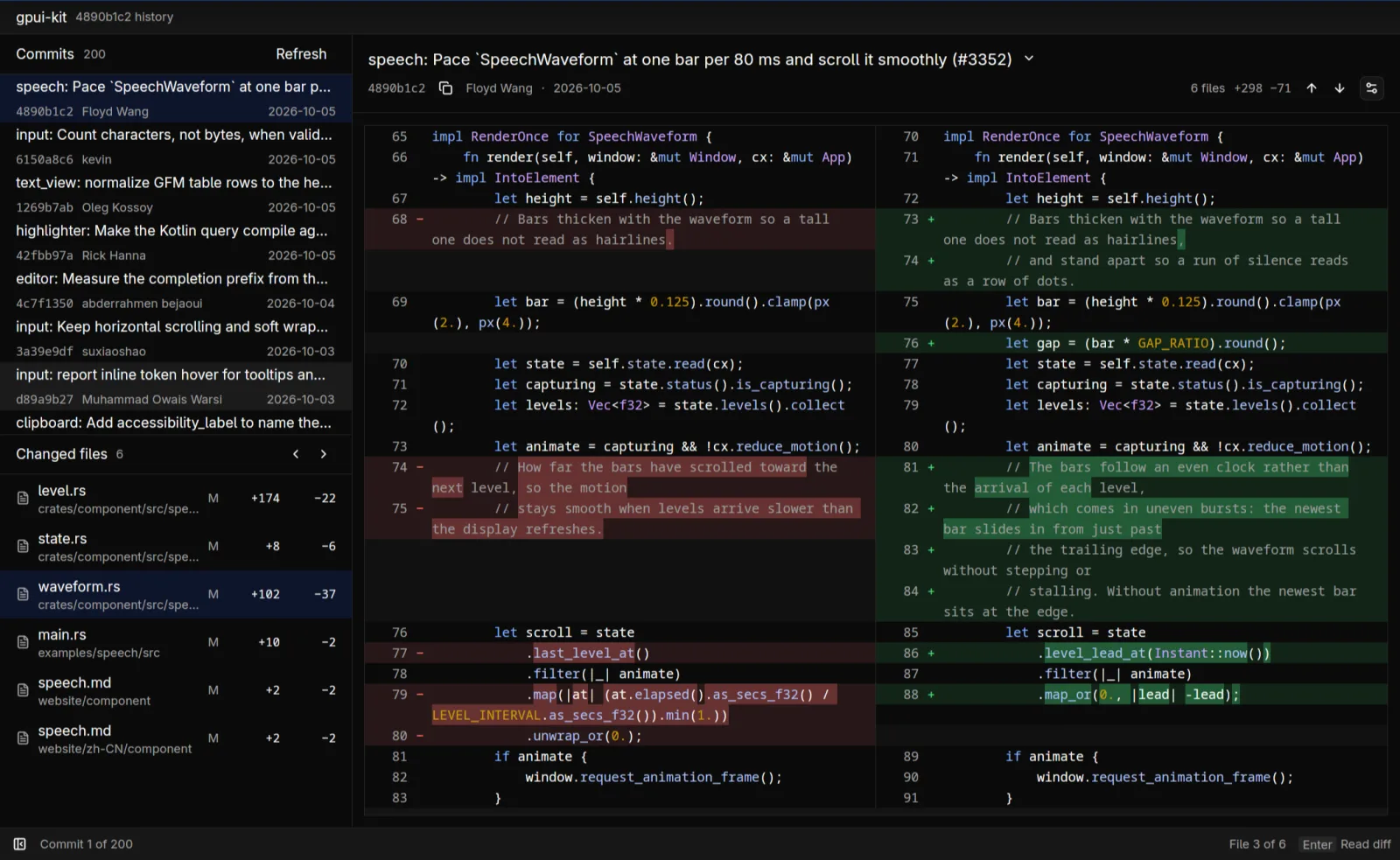
We did not use the README’s only product screenshot, a trading app in the Showcase section, because we did not confirm its reuse terms. This image comes from the examples/tig folder instead. Its program, example-tig, depends on gpui-kit and is a small desktop Git history browser inspired by tig.
Crate layout
GPUI Kit splits into four crates, and most applications need only the first.
| Crate | Role | Best for (per README) |
|---|---|---|
gpui-kit | The one dependency applications list. It re-exports GPUI, base, component and assets. | Every application |
gpui-base | Unstyled behavior, state and infrastructure | Building a design system |
gpui-component | The complete styled UI system, on by default | Building applications |
gpui-shell | A JavaScript extension host, added separately | Plugins and scripted applications |
The repository used to be called gpui-component. GitHub redirects the old address with a 301, so old links still arrive here. The name gpui-component now refers only to the styled layer. On main, the root Cargo.toml pins GPUI’s gpui-pre snapshots to exactly =0.3.9, and a comment there says any snapshot may change GPUI’s API. ElyOffice is also written in Rust and GPUI, and it takes another route. Its root Cargo.toml depends on a gpui-pre snapshot and its own component library, with no dependency on gpui-kit.
Typical use cases
GPUI Kit fits three kinds of project.
- A small team shipping one app to macOS, Windows and Linux: One Rust codebase gets the form, navigation and overlay controls the README lists, so the team does not write each control from scratch.
- A developer building a Git client, log viewer or similar tool:
example-tigis a Git history browser built on the kit, and the README’s data table, virtual list and code editor cover the same kind of view. - A product team that wants its own design system: It uses only
gpui-base, which the README describes as behavior and state without styling, and sets its own visuals and motion.
Quick start
GPUI Kit needs one line in Cargo.toml, and the repository’s hello_world example opens the first window.
[dependencies]
gpui-kit = "0.7"
The README shows 0.7, but crates.io lists 0.8.0 as the latest release, published on October 19, 2026. To try 0.8, change the requirement to "0.8". The README’s examples are written for 0.7, and we have not compiled them against 0.8.
From the root of a cloned repository, run:
cargo run -p hello_world
A window opens with Hello, World! and a primary button labeled Let’s Go!. Clicking it prints Clicked! to the terminal. The project uses the Rust 2024 edition, which first shipped in Rust 1.85.0, so use 1.85 or newer. The README does not state a minimum version; we took this from the workspace Cargo.toml. Pass the bundled Lucide icons to the app with gpui_kit::application().with_assets(gpui_kit::assets::Assets).
Summary
GPUI Kit suits a team that wants desktop apps in Rust on GPUI, accepts a pre-1.0 API and can follow GPUI snapshot updates. The README’s one named production app is Longbridge Pro, which it says was built with the kit from day one. GitHub lists Rust as the primary language. It is a weaker fit for anyone who needs a stable API promise or a written platform support matrix.
The limits come from the project’s own files. The version is 0.x, and Cargo’s convention treats a change in the middle number as possibly breaking. The README makes no stability promise. Its figures for 120 FPS and the 200K-line editor come with no test method or hardware. It claims macOS, Windows and Linux support, but gives no support matrix and no list of Linux system packages. CI does run tests on all three systems, and the main-branch run on 2026-10-21 succeeded.
The license is split. Code and examples are Apache-2.0. Documentation prose in the docs sections is offered under CC BY 4.0 (LICENSE-DOCS.md). Apache-2.0 is OSI-approved. CC BY 4.0 is a documentation license and is not on OSI’s list of software licenses. GitHub shows NOASSERTION for the repository. We think the cause is that LICENSE-APACHE has a copyright line above its title and no appendix. Once indentation and blank lines are ignored, its terms match the official Apache 2.0 text.
We read the README, Cargo.toml, both license files, the CI workflow and the example source. We did not compile or run anything. The repository was created on June 13, 2024, and had 18448 stars on 2026-10-21. The README also links a comparison with Iced, egui and Qt 6 and mentions Native Shell, whose GPUI desktop backend is still in development. We did not check either.