Notion splits AI credits into two pools as Agents run 24+ hours
Notion says an Agent task runs 24+ hours and splits AI credits into Standard and Select pools. Existing Business and Enterprise workspaces switch on November 2.
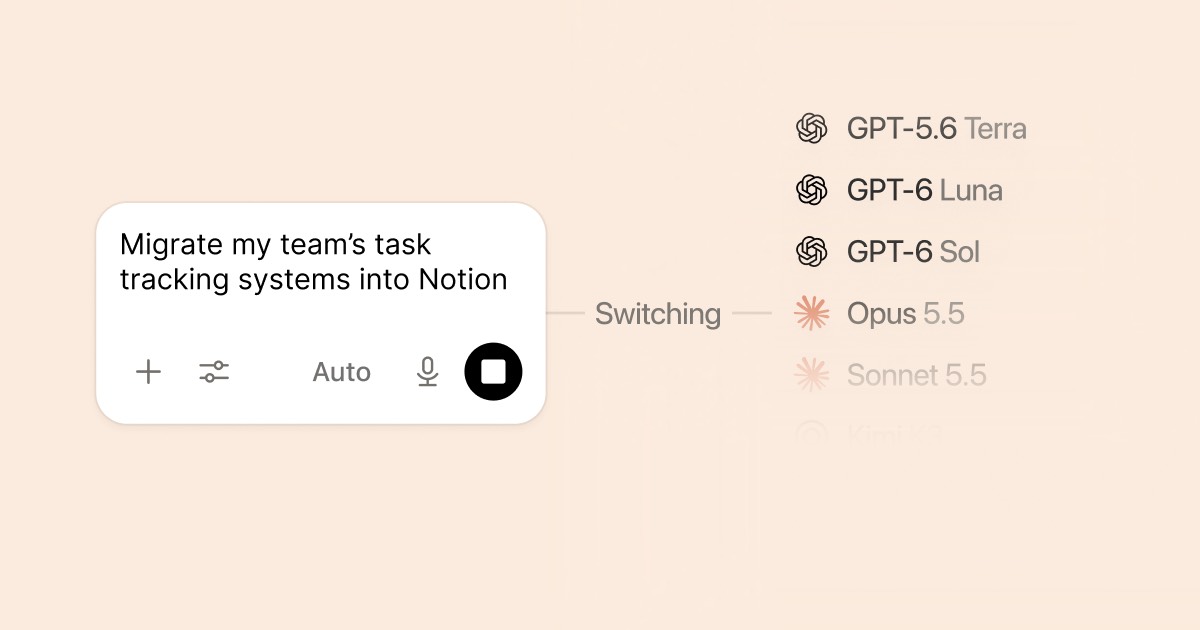
Notion, the workspace app that puts documents, databases and AI assistants in one place, said on October 19 that it had rebuilt the runtime behind Notion Agent and Custom Agents. A single task can now run for more than 24 hours, up from about five minutes. The same post upgrades Auto, Notion’s model router, and splits Notion AI credits into two monthly pools. Existing Business and Enterprise workspaces switch over on November 2.
Key points
- Run length: Notion says one Agent task can now run for more than 24 hours, up from about five minutes. Each session runs on a dedicated, queue-backed worker service, so work survives restarts and network hiccups.
- Credits: Each Business or Enterprise member gets 1,500 Standard credits a month for work Notion routes to a model, plus 500 Select credits for models they pick or Custom Agents they run. The two pools can’t be combined and don’t roll over.
- Dates: New Business and Enterprise workspaces started on October 19, and existing ones move on November 2. AI Meeting Notes starts drawing Standard credits on December 1.
Background
Notion Agent is each user’s personal AI assistant. Custom Agents are agents people build, and they can share them with a team. Before this change, Notion says a task could run on its own for about five minutes. The post calls this the sixth rebuild of the agent harness, the code that runs the loop around the model.
The credit change has a backstory too. Building a Custom Agent used to mean buying credits first. Now Business and Enterprise members can try one on their included Select credits.
Auto isn’t new, but this round upgrades it. It picks a model for each task, sending quick questions and edits to fast models and analysis or multi-step agent runs to more capable ones. If a model stops making progress, Auto switches to another one.
The post compares against Anthropic’s Claude Opus 5.5 and a model it simply calls Astra, with no version number in the post or the help pages. Our September coverage mentions GPT-6 Astra, and it also reports that WSJ said OpenAI had scrapped the launch of GPT-6.1 Astra. Public material doesn’t say which one Notion means.
The facts
The runtime changes Notion lists include a queue-backed worker loop that keeps tasks alive through restarts, a computer and browser that let agents run short scripts instead of spending model tokens on every step, and compacted long conversations. Web and mobile agents run up to 50% faster, and Custom Agent runs cost about 30% less in Notion’s testing. A new “Review for me” mode uses a separate model to check whether an action is safe before the agent takes it.
| Notion AI credit pool | Used for | Per member, per month | When it runs out |
|---|---|---|---|
| Standard | Work Notion routes through Auto: Notion Agent chat, writing, translation, AI blocks | 1,500 | Features pause until the monthly reset, unless an admin allows Notion credits |
| Select | Models a user picks, and Custom Agents set up for their own use | 500 | Same as Standard |
The help center says these amounts can vary by plan and purchase arrangement. Notion credits are a separate, workspace-level balance that admins buy and allocate. They cover usage beyond the included pools, high-credit models such as Fable and Astra, workspace-funded Custom Agents, and agents run through the API or a connected app. Letting members keep going on Notion credits is off by default.
ChatGPT Plus, Pro or Go subscribers can also connect that plan to a personal Notion Agent and use it instead of Standard and Select credits. The connection is built with OpenAI and doesn’t cover Custom Agents. The pricing page, which we read on October 21, describes Custom Agents two ways: once as $10 per 1,000 monthly Notion credits after a free trial, and once as $10 per 1,000 Notion credits. Neither mentions Standard or Select, so we don’t calculate costs from it.
The help center’s per-task estimates:
| Example task (help center) | Auto | Opus 5.5 | Ratio |
|---|---|---|---|
| Simple: polish an email, translate a message | 5 | 50 | 10× |
| Medium: write a work report, summarize a one-hour meeting | 10 | 85 | 8.5× |
| Complex: refine a strategy document or quarterly plan | 25 | 150 | 6× |
The ratio column is our arithmetic from Notion’s estimates, in credits per task. Those are estimates, not measurements. The help center says actual use varies, and polishing an email inside a long, complicated thread may cost more. So “up to 10 times further” holds for simple tasks only.
The two savings figures come from Notion’s own testing. The blog says Auto matched Opus 5.5 and Astra across more than 20 common use cases at about 90% lower average cost. The Auto help page compares only with Opus 5.5 and says Auto’s average cost to run was 87% lower. The help page describes the method: thousands of tasks replayed in a simulated Notion environment, pairwise judging by a group of top models, Elo scores, and an AI judge trained to reproduce those rankings. It doesn’t publish the task list or the models Auto calls.
What others say
Three outside reports cover the announcement, and all three repeat Notion’s figures without running independent tests: Let’s Data Science, an English tech site (October 20); Startup Fortune (October 21); and a Japanese blog, メンサ会員のAI活用塾 (October 20).
Let’s Data Science calls the 90% figure a company claim and says public documentation gives no evaluation method. The second half goes too far. The help page outlines the method. What it leaves out is the task list and the model configurations.
Startup Fortune argues that runtime, not raw model intelligence, is what limits enterprise adoption. That is an opinion, not a test. It also says admins can already set workspace credit limits and track usage by agent. Notion’s post lists the AI Command Center, which includes spending limits, as coming soon. The help center documents a credit dashboard, the option to buy and allocate Notion credits, and a switch that is off by default. Where the reports disagree, we follow the official documentation.
The Japanese blog works out what each pool buys, using Notion’s estimates. At 5 credits per simple Auto task, 1,500 Standard credits cover about 300 tasks. At 50 per simple Opus 5.5 task, 500 Select credits cover about 10. The author notes the division is rough, since real use varies.
Our take
Three things matter most to anyone running Notion Agents for a team.
First, a Custom Agent shared with a team draws on its creator’s Select pool by default, even when others use it. The post’s FAQ says so. To fund it from workspace Notion credits instead, an admin has to set that up. Whoever builds the team agent may find their Select credits run out first.
Second, when a pool runs out, the affected work pauses until the monthly reset, unless an admin turns on Notion credits. The help center says impacted work will pause. It doesn’t say whether a paused task can resume where it stopped. Try an interruptible task before leaving one to run overnight.
Third, the 24-hour figure is Notion’s own number, and the reports we read include no independent long-run test. Review for me, which uses a second model to screen each action, is the part to check first before you leave an agent unattended.
Don’t trust a multiplier before you’ve seen your own numbers. Settings → Notion AI → Usage shows what’s left and when it resets. Watch a week or two of real use, then decide whether daily work should go back to Auto. Auto is already the default.
What to watch
- November 2: Existing Business and Enterprise workspaces move to the new system, and admins get an email with the details.
- December 1: AI Meeting Notes starts drawing Standard credits. The help center estimates about 10 per one-hour meeting.
- Coming soon: the AI Command Center, with usage dashboards, spending limits and model controls, plus Skills through MCP. The post gives no dates.
- Not covered: Standard and Select allowances on Plus and Free plans. None of the sources we read mention them.