Coding#Video generation#Image generation
supercmo-skills: a marketing production pipeline for AI agents
SuperCMO Skills is Apache-2.0: 23 marketing skills plus a local MCP server that turn a product photo and a brief into UGC or ad videos, with your own keys.
Skill details
npx skills add SupercmoHQ/superCMO-skills --skill supercmo-setup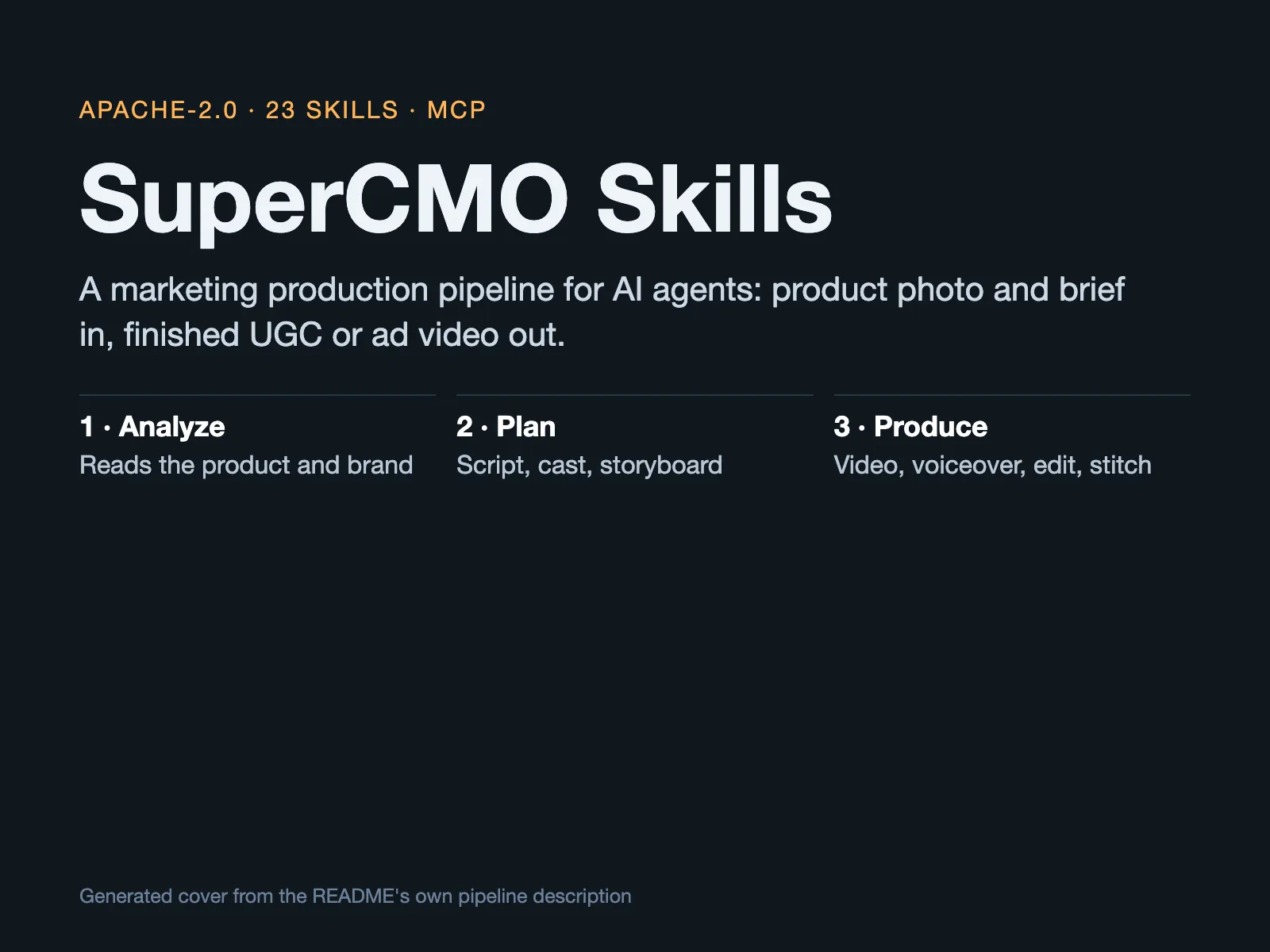
Making one product video usually means bouncing between a script tool, an image tool, a voice tool and an editor. SuperCMO Skills installs that pipeline into your coding agent: hand it a product photo and a brief, and it analyzes the product, writes the script, casts AI actors, generates footage, adds voiceover and hands back a finished video. The repository is Apache-2.0 Python, created on July 24, 2026, and ships 23 skills plus a local MCP server.
The order it works in
The README’s example is a 60-second product ad with voiceover, and it walks six steps: read the product URL and extract brand and imagery; break the brief into four 15-second shots with a script; generate master reference images; generate the four clips with an anchor reference locked into every frame so the product does not change shape; add voiceover timed to the video length; and stitch the clips into one file.
The photo-first UGC flow follows the same idea: upload a product photo with a short brief, and it analyzes the product, picks a format, casts a creator and writes the script — then shows you the concept and waits for approval before spending anything. Only after approval does it storyboard, render each clip and stitch the result.
What it constrains
- 23 skills, one stage each: UGC video, ad video, cartoon ads, cloning ads you admire, product photography, competitor ad research, campaign planning, format adaptation and more, one folder per skill, with CI enforcing structure and dry-run gates.
- Approval before spend: The concept, the cast and the script are shown for approval before anything renders, and every part can be changed.
- Consistency by anchor: Reference images for the product and actor are locked into every shot at the storyboard stage, which is what keeps ten clips looking like one product.
- Two key paths: Bring your own vendor keys and requests go directly to the model vendor, never through SuperCMO; or use the managed key and pay per use. The README suggests starting with one WaveSpeed key covering both image and video.
- Telemetry is opt-out: Anonymous tool-use counts (tool name, success, duration, model) are sent by default, never prompts, arguments or keys;
SUPERCMO_TELEMETRY=falseorDO_NOT_TRACK=1turns it off.
Who it is for
It suits independent sellers and small teams who want an agent to batch-produce marketing assets and are willing to configure API keys. It does not suit anyone expecting a fully hands-off result: the README is explicit that you decide what the campaign says and it handles production.
One caveat up front: the skills need access to paid generation models to do real work. For another way to give an agent production tools, see OpenUI. With BYOK the cost lands on your vendor account; the managed key bills per use. Every generation tool supports dry_run, a free preview of the exact request, so you can see what would be sent before spending. Also note that installing a single skill from skills.sh omits the MCP server, and the image_generate and video_generate tools will be missing; the README says to use its own npx installer for the full setup.
The repository was created on July 24, 2026, and its last push was on October 21, 2026. It is not archived, had 196 stars as of October 23, 2026, and uses the Apache-2.0 license; the hosted product at getsupercmo.ai is a separate service with its own terms. We checked the README, the LICENSE file and the repository metadata, and we did not install or run it.