Design#Video generation#Coding agent
video-shotcraft: Turn Claude Code into a product-video studio
video-shotcraft is a skill that turns Claude Code into a product-video studio: 157 shot recipe cards, a validated Remotion template, sound design included.
Skill details
npx skills add Vincentwei1021/video-shotcraft --skill video-shotcraft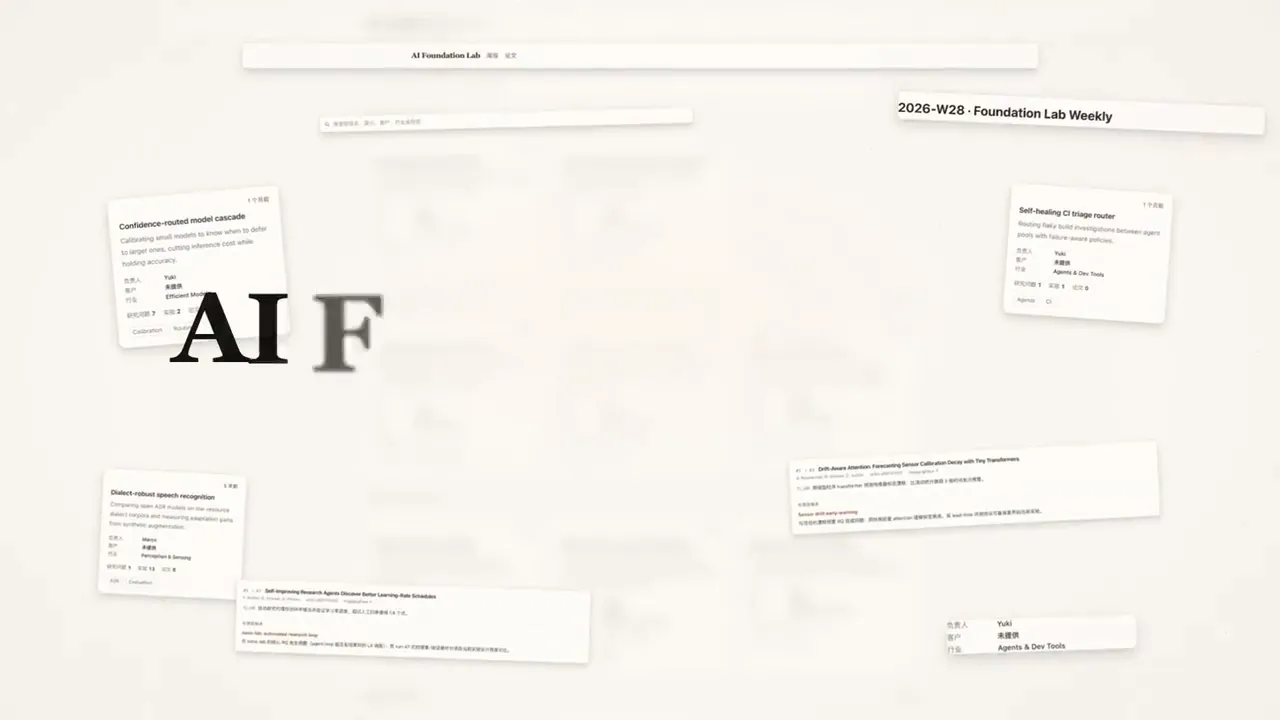
Ask an AI for a product promo and you usually get a slideshow: invented UI, carousel transitions, rhythm and sound left to chance. video-shotcraft, an open-source agent skill by Vincentwei1021 (10,990 stars on GitHub as of October 9, 2026, Apache-2.0), installs into Claude Code or Codex and runs the job like a film pipeline instead — real page captures, storyboarding, 2.5D camera moves, beat-synced cuts and sound design, rendered with Remotion.
The order it works in
The SKILL.md starts with a three-way choice: run the validated Ink Press template (36.2 seconds, 1920×1080, 30 fps, 10 shots in a paper-ink-amber style — swap in your product for the fastest result), let the agent create autonomously, or co-create and approve the brief, visual direction, shot mapping and storyboard step by step. Every route draws its shots from 157 recipe cards — each states the purpose, energy, suggested duration, parameters and known pitfalls, with a runnable Remotion TSX implementation in the repo and 214 motion previews to browse in the online gallery.
What it constrains
- Real screenshots for real pages. The skill spins up a local dev server and captures 2x full-page screenshots with element-level crops and a coordinate table; hand-built UI is only allowed in non-replication segments like abstract openers.
- Sensitive data gets frozen before capture. Customer data, keys and internal content must be replaced with fictional or masked material first.
- Sound has rules. 149 sound effects sit in 16 categorized folders under a free commercial license; on-screen clicks get foley, synthetic UI blips are auditioned one by one.
- The film must pass review. An independent subagent walks the visual QA checklist and sends it back if it fails.
Delivery is not the end: the skill opens a browser workbench, a CapCut-style timeline with shot, transition, caption and SFX tracks. You can rewrite copy, retime clips, drag in any of 216 demo motions, and export through Remotion with pixel-identical preview and render.
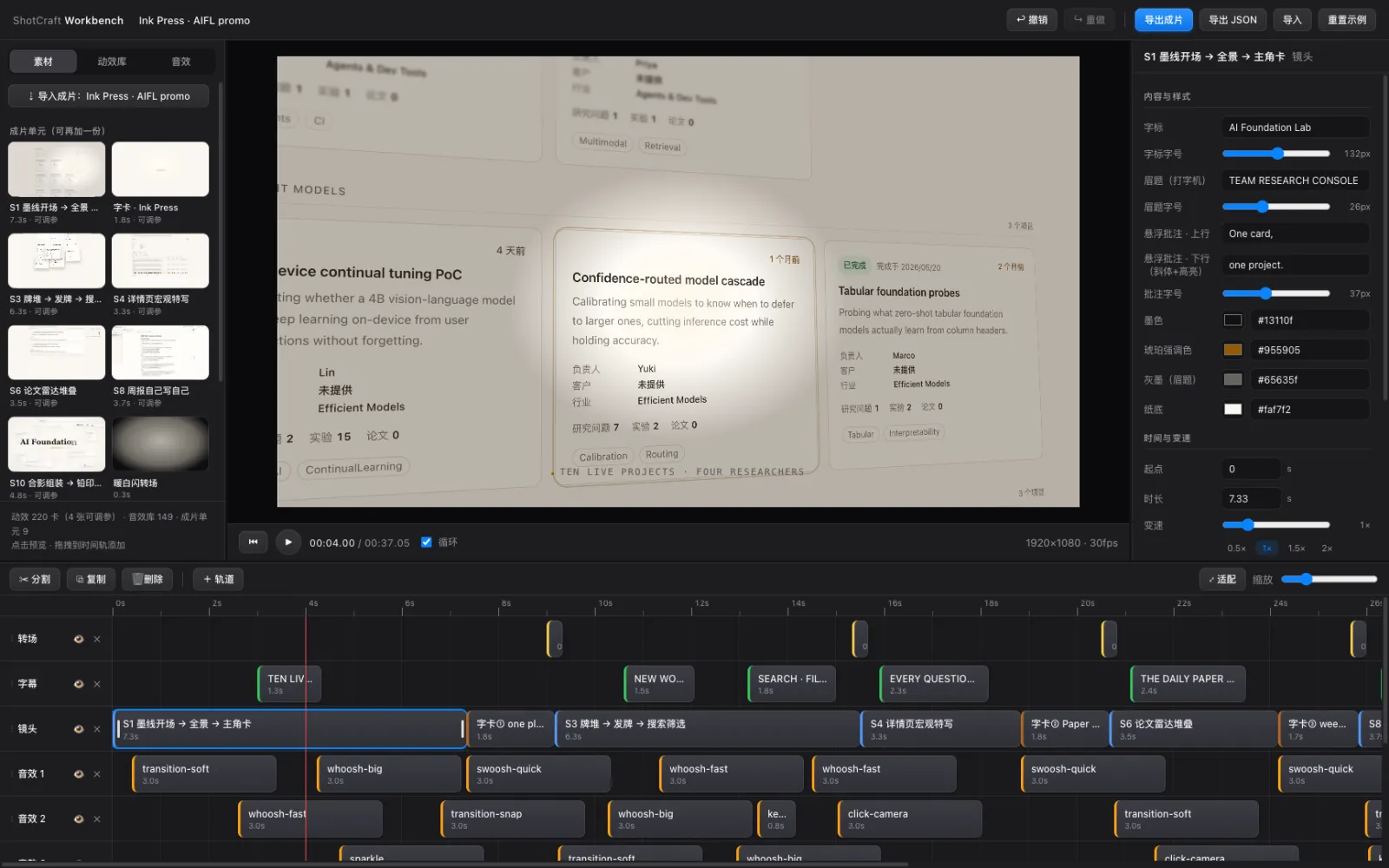
A JianYing (CapCut CN) project export is included too — verified on JianYing Pro 11.2 for macOS; the Windows path is implemented but marked untested by the author.
Who it’s for
Indie developers and two-person teams building web or desktop products who want promos without hiring a motion studio; the shot cards also work standalone as a motion vocabulary for any video project. Two things to weigh first: the render stack is heavy — Node, Remotion and headless Chrome, and low-core CI boxes need the README’s three workarounds (concurrency, headless-shell, CDN); and it goes deep on product promos specifically, not general-purpose editing. The author’s companion project video-talkcraft handles narration videos instead (78 cards, word-level timestamps aligned to a median of 20–40 ms). For agents editing existing footage, see video-use; for scripted JianYing drafts, see jianying-headless.