System utilities#File management
Filee: hold a key, drag a file, convert between 255 formats offline
Filee is an MIT-licensed desktop converter: drag files onto a format donut at your cursor, 255 formats offline, no upload and no Office needed.
Project facts
GitHub Ecosystem- License
- MIT
- Language
- C#
- Stars
- 11,402
- Data checked
- 2026-10-24
Snapshot figures reflect the check date and may change over time.
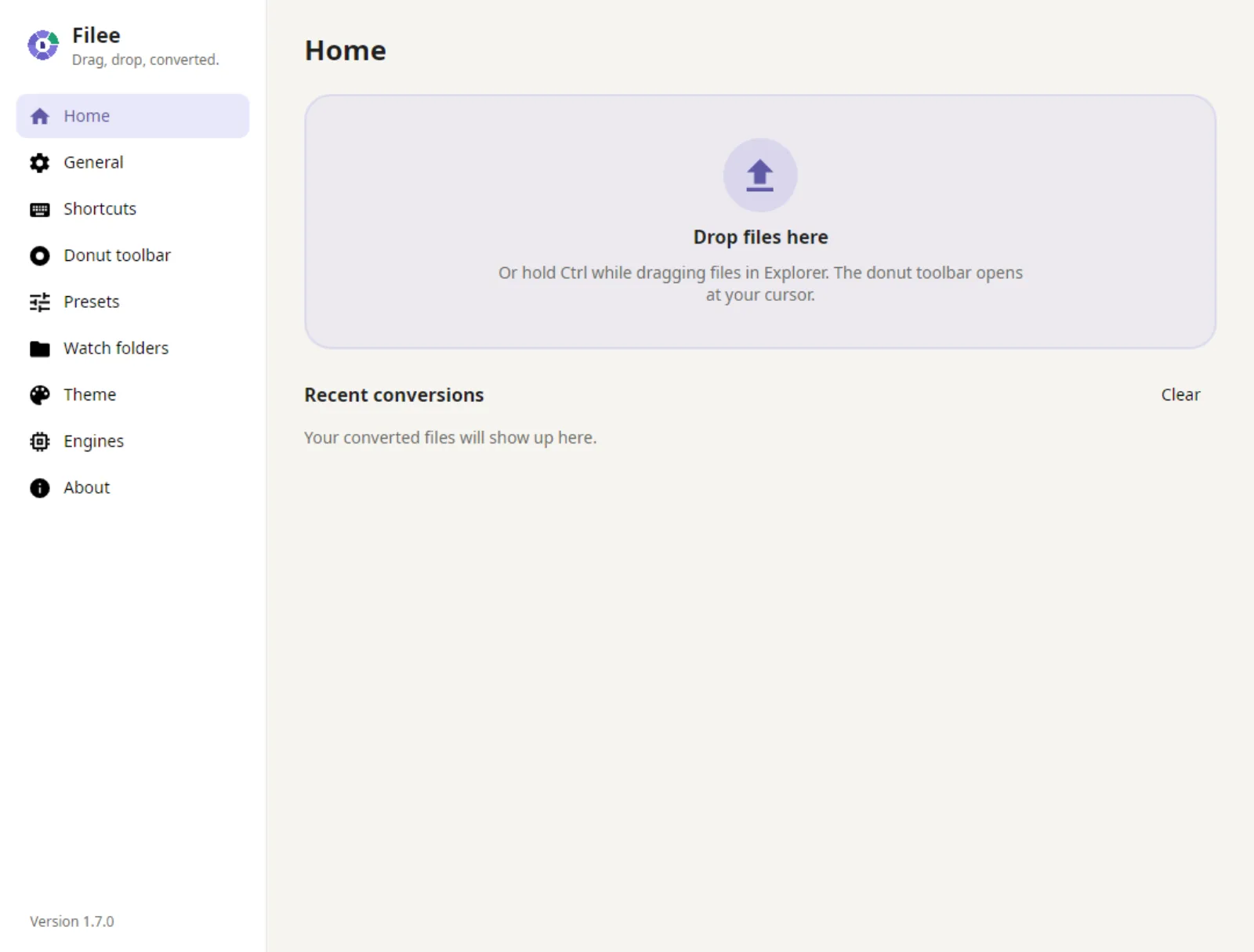
Converting a HEIC to a JPG or a Word file to PDF usually means uploading it to a conversion site. Filee keeps that on your machine: hold Ctrl (Option on macOS), drag files, and a donut of formats opens at the cursor — drop them on the target format and the conversion starts. It is an MIT-licensed desktop app written in C#, and the README says it converts 256 formats fully offline, with no Office, Hancom or LibreOffice install. The repository was created on September 29, 2026, and its last push was on October 24.
Core features
- The donut at the cursor: Only formats that fit the dropped files appear; Tab or the mouse wheel flips to the other side with less common formats and tools.
- Straight from the browser: Drag a picture, a file link or a download out of Chrome, Edge, Firefox or Safari; link downloads do not use your browser sign-in.
- Batch and multi-step routes: Many files convert in parallel, and routes like HWP → HWPX → DOCX are discovered automatically.
- Crop before converting: The Crop slice opens pictures one by one; drag a frame, pick a ratio, and only that part is saved.
- Watch folders: Files that land in them convert automatically.
- One toolbar per file type: Quality, size, DPI, PDF pages and compression, audio and video parameters, output folder and naming — all drag-arranged with presets.
- A command line: The
fileecommand covers automation; options are documented at filee.sh/cli.
Typical use cases
- Anyone shuttling between HEIC, Word and PDF: No uploads to conversion sites and no Office install.
- Batch work: Drop a folder into a watch folder, or drag a batch at once for parallel conversion.
- Privacy-sensitive files: The README says nothing is uploaded and results are saved next to the originals.
- Automation: The CLI plus watch folders slot into an existing pipeline. To dedupe before converting, Czkawka scans first.
Quick start
Download the package for your platform from Releases: Windows 10/11 uses a Setup or a portable zip; Linux (Ubuntu 22.04+) unpacks and runs ./install.sh with no root, needing Python 3; macOS 13+ is a preview, unpack and run ./install.sh.
Two snags to know first. The macOS build is not notarized yet, so the first launch needs System Settings → Privacy & Security → Open Anyway. On Windows 10 machines that have not been updated in a long time and whose CPU supports CET hardware stack protection, Filee may fail to start at all; the README’s fix is an admin PowerShell Set-ProcessMitigation command that disables user shadow stack for the program, and the portable zip needs the same two lines.
Summary
Filee suits anyone who wants local, batch, many-format conversion and is tired of conversion sites. It does not suit teams that need cloud collaboration or very large server-side conversion.
A few things to know first. The macOS build is a preview and unsigned. The Windows CET workaround is a system-level trade-off. The 256-format count is the README’s claim, and per-format quality is worth verifying yourself; the README also notes some formats rely on bundled third-party components. And the message that led here said 180 formats, which does not match the README’s 256 — this entry uses the README’s number.
The repository was created on September 29, 2026, its last push was on October 24, 2026, and it is not archived, with 11,402 stars as of October 24, 2026. The license is MIT. We checked the README, the LICENSE file and the repository metadata, and we did not install or run it.