Agent frameworks#Multi-agent#Runtime
FounderOS: run a one-person company as AI departments in one local console
FounderOS is an MIT-licensed local console built with Next.js and SQLite that puts comms, funnel, social, finances and agents in one interface.
Project facts
GitHub Ecosystem- License
- MIT
- Language
- TypeScript
- Stars
- 1,226
- Data checked
- 2026-10-23
Snapshot figures reflect the check date and may change over time.
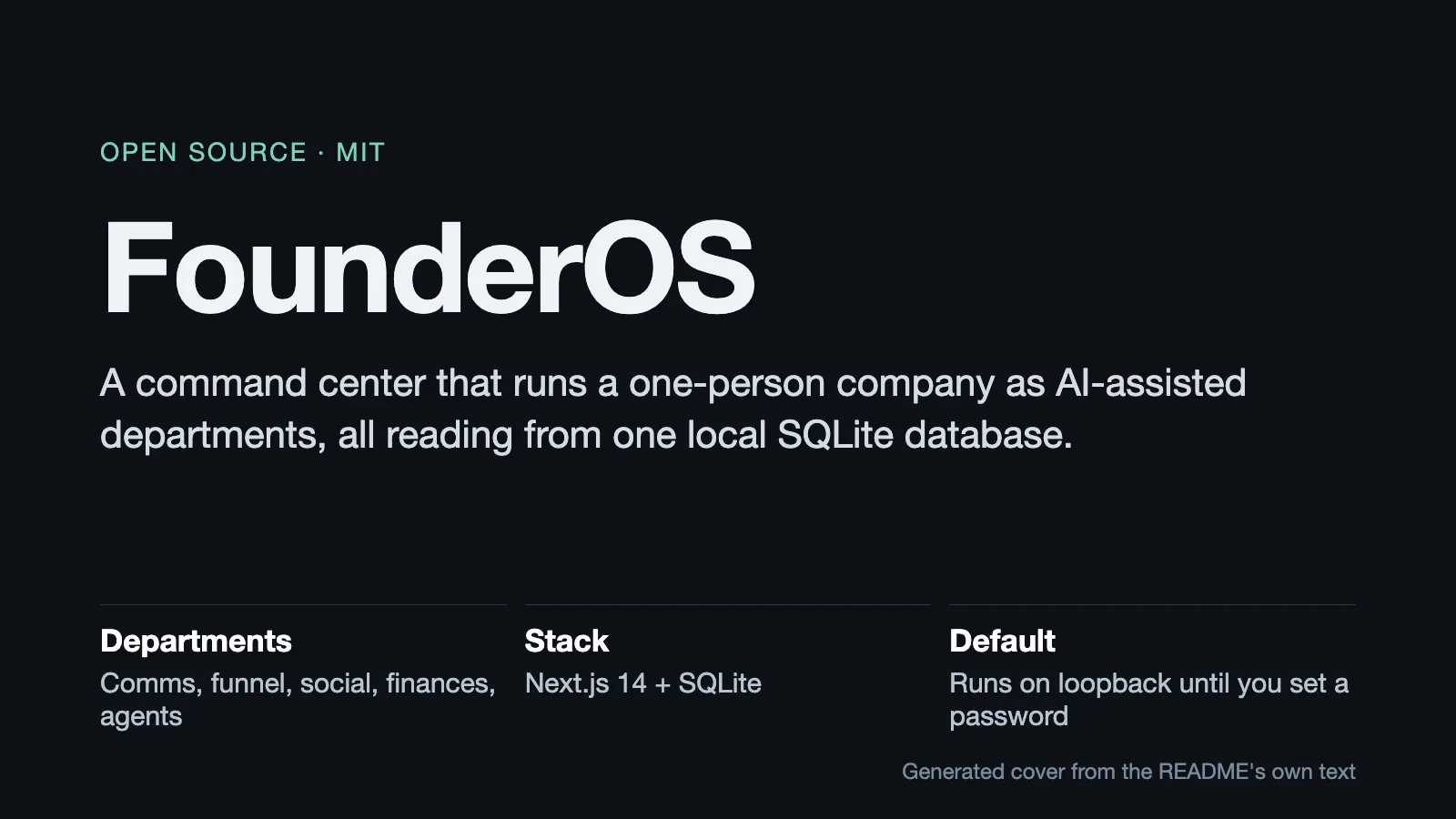
Running a company alone means watching comms, lead generation, content, finances and a pile of tasks at the same time. FounderOS turns each of those into a department staffed by AI agents, with one person setting direction. It is an MIT-licensed project built on Next.js 14 and SQLite, created on July 7, 2026, with its last push on October 20.
Core features
- Six areas in one interface: Command (home, wizard, inbox), Revenue (funnel, brand deals, clients, finances, trading), Growth (social, ad pilot, content lab and more), Workforce (agents, chats, tasks, workflows, skills, compute), Knowledge (Optimal Engine, database, knowledge) and System (settings, integrations, usage, blueprint).
- Every page reads one local SQLite file: The README says all pages read from the same local database, with no cloud backend.
- Connectors report honestly: Email over IMAP, Slack, Notion, Attio, WhatsApp, Stripe/PayPal, Beehiiv and the rest each return “not configured” until you supply a key, rather than showing invented data.
- An agent runtime: A registry, runs, broadcasts and chat tools. The Agents page is the roster, run activity, task lanes and a Conductor.
- A blueprint that cannot drift:
lib/blueprint/compiles the real registries for agents, connectors and skills into a graph, which the README says keeps the map from drifting away from the system. - A demo company on first run: A fresh clone starts in demo mode with a fictional company (22 agents, a 24-journey funnel, brand deals, social accounts), refreshed weekly, and it never touches
data/.
Typical use cases
- Solo founders and very small teams: Pull day-to-day work out of several SaaS tools into one local interface.
- Anyone who wants to keep the data local: It listens on
127.0.0.1by default, so other devices cannot reach it until a password is set. - Developers studying agent orchestration: The registry, task lanes, Conductor and blueprint are readable source. For a different take on long-running agent orchestration, see LoopX.
Quick start
Node 22 or newer is required:
npm install
npm run dev                    # http://localhost:4100
The app opens in demo mode, so you can explore a complete fictional company first. To switch to your own business, open Settings and turn Filming mode off. FounderOS then reads data/, starting from six empty departments.
npm run dev compiles each page on first visit, so slow page switches there are by design. To see it at real speed, use npm run preview, which builds into .next-preview without touching a running dev server.
Security and limits
- No accounts, one operator password. It is stored as a scrypt hash in
.env.local; the session cookie is httpOnly. Changing the password rotates the session secret and signs out other devices. - No password means local only:
npm run devandnpm startbind to127.0.0.1and refuse any otherGLADOS_HOST, and the gate returns 503 to non-loopback hosts. With a password set, you pointGLADOS_HOSTat the interface you want; the README suggests a Tailscale IP. - Cross-origin mutations are refused regardless of session state.
- Several features depend on outside services (Attio, Stripe, gbrain), and their pages show “not configured” until those are wired.
Summary
FounderOS suits people who want a local, editable control center for a one-person company, and developers who want to see how agent orchestration is put together. It does not suit teams that need multi-user collaboration, fine-grained permissions or a hosted service: the README is explicit that there are no accounts, just one password.
A few things to know first. v3 is “the GladOS codebase with FounderOS on top”, so the repository also contains GladOS screens; the README’s version table puts v1 and v2 on separate tags. Optimal Engine depends on the gbrain command-line tool, which you install and initialize with pglite separately, and that embedded database is single-writer: the CLI and a long-running gbrain serve cannot both run at once. The demo data is fictional, and the README says so.
The repository was created on July 7, 2026, and its last push was on October 20, 2026. It is not archived, had 1,226 stars as of October 23, 2026, and uses the MIT license. We checked the README, the LICENSE file and the repository metadata, and we did not install or run the app.