System utilities#Linux#Containers
Podroid: full Linux containers and a desktop on Android, no root
Podroid boots an Alpine Linux VM with its own kernel on Android, so Podman, Docker and LXC run without root — plus an X11 desktop, SSH and port forwarding.
Project facts
GitHub Ecosystem- License
- GPL-2.0
- Language
- Kotlin
- Stars
- 3,640
- Data checked
- 2026-10-27
Snapshot figures reflect the check date and may change over time.
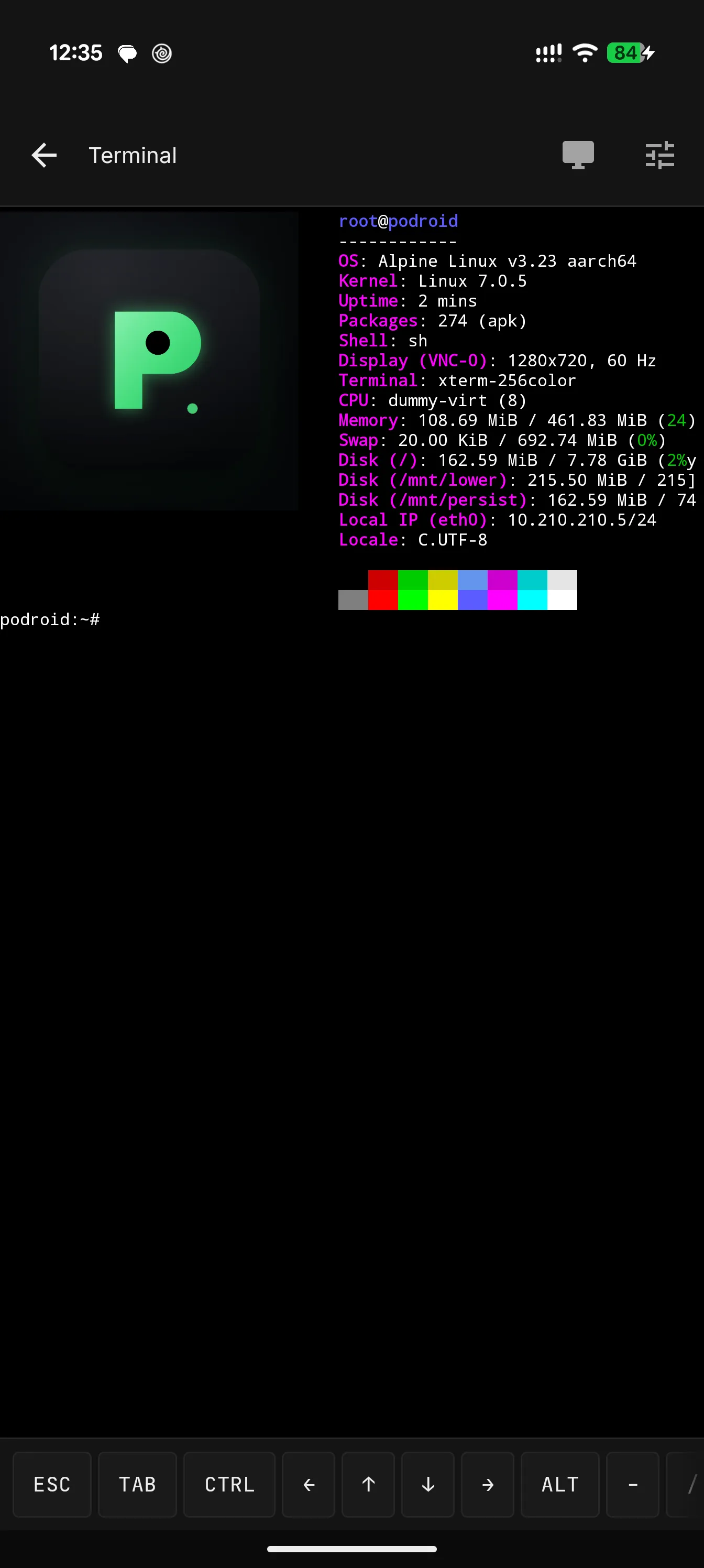
That old Android phone in a drawer is a pocket-sized Linux server. Podroid lets any ARM64 device on Android 8+ run a real Linux environment without root: an Alpine Linux VM with its own kernel, booted via QEMU (or hardware-accelerated AVF on pKVM devices) — a different beast from Termux’s proot shim sharing Android’s kernel — with Podman, Docker and LXC working exactly as they do on a server. X11 desktop apps run in a built-in viewer with touch, keyboard, mouse and audio; USB passthrough, SSH, port forwarding and container backup are all in the box. As of October 27, 2026 the repository holds about 3,600 stars under GPL-2.0, written mostly in Kotlin.
Core features
- A real VM with its own kernel: Alpine Linux on QEMU, or AVF hardware acceleration where pKVM is available; container semantics match a server, with none of proot’s compatibility quirks.
- Three container runtimes preinstalled: Podman, Docker and LXC work the moment the VM boots, and an nginx started with
docker runcan be exposed to the phone’s LAN through port forwarding. - Built-in terminal: full xterm-256color, 122 color themes, 13 fonts, live resize.
- X11 desktop: GUI Linux apps run in an integrated viewer with touch, keyboard, mouse and audio.
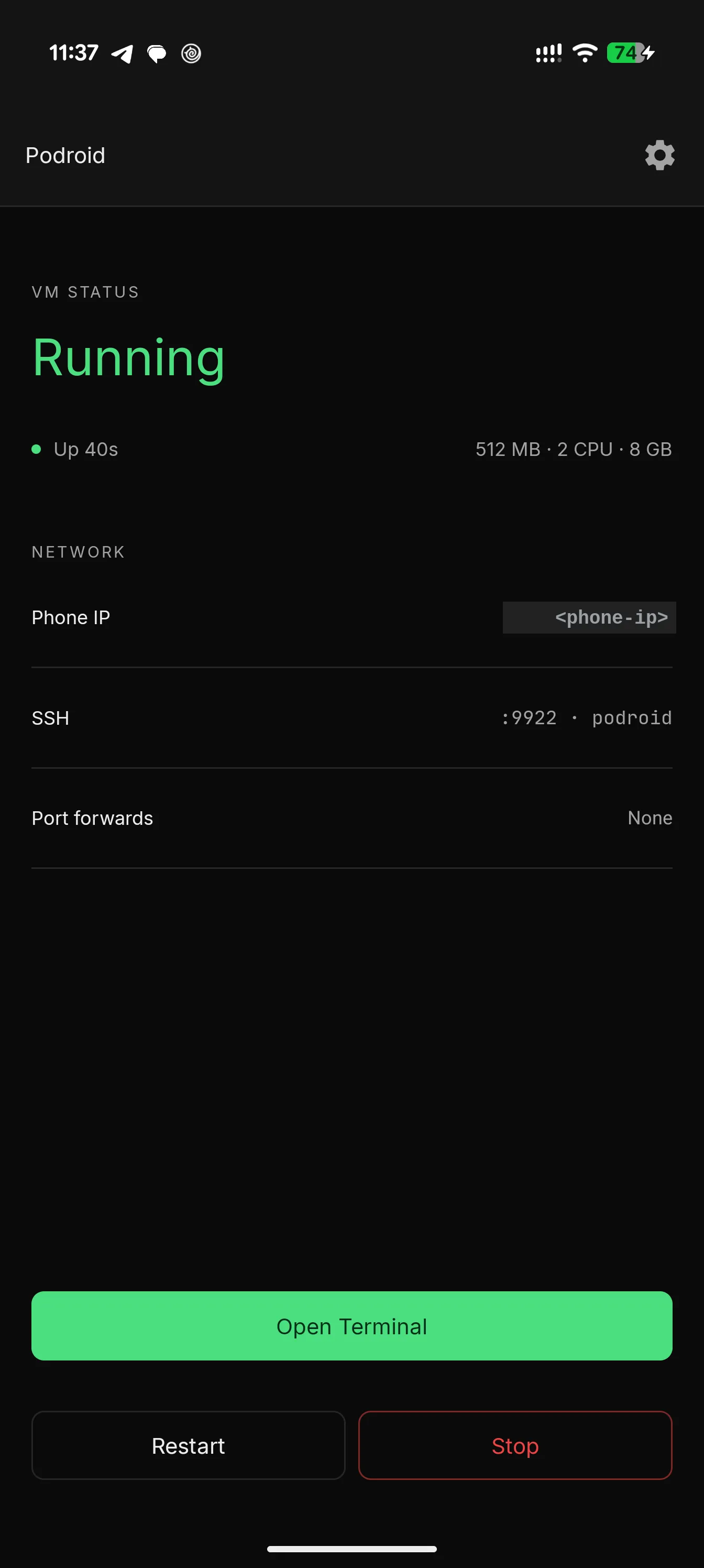
- Networking and device surface: USB passthrough, SSH (port 9922 by default), TCP/UDP port forwarding, a guest-to-Android bridge, Downloads-folder sharing and container backup.
- Bilingual, no root: English and 中文, on any Android 8+ ARM64 device.
Typical use cases
- An old phone as a home server: run nginx, a home-automation stack or a scraper; plugged into a charger, it’s an always-on, low-power box.
- A pocket Linux playground: learn containers, break things, tap restart; SSH in from a laptop when you want a real keyboard.
- Offline documentation:
podroid-docsserves the full guide at localhost:9980 inside the VM, no network needed.
Quick start
Install the APK from Releases, tap Start VM, wait for Ready!, then open the terminal:
podman run --rm alpine echo "hello from a container"
docker run -d -p 8080:80 nginx

# expose the container to the phone's LAN
podroid-forward add 8080 8080 tcp
curl http://<phone-ip>:8080

# SSH in from your computer (enable SSH in Settings first)
ssh root@<phone-ip> -p 9922   # password: podroid
Summary
Podroid is for anyone with an unused Android device and a reason to run Linux on it: no root, a real kernel, and container semantics that don’t lie. Know the limits: performance is bounded by the phone’s SoC and the virtualization backend, with the QEMU path straining under heavy load; ARM64 on Android 8+ only, so 32-bit devices are out; and the X11 desktop is workable on a touchscreen but far from pleasant. GPL-2.0, Kotlin, with kernel, rootfs and APK all buildable via ./build-all.sh. The companion project RikkaHub Agent can SSH into a running Podroid VM, letting an on-device LLM agent drive the containers. For another take on mobile execution environments for coding agents, see our earlier entry on vphone-cli.