What to Eat: an AI recipe platform built end-to-end with Kiro
What to Eat is an open-source AI recipe platform: ingredients in, full recipes with nutrition, wine pairing and dish images, built end-to-end with Kiro.
Project facts
GitHub Ecosystem- Language
- Vue
- Stars
- 3,575
- Data checked
- 2026-10-27
Snapshot figures reflect the check date and may change over time.
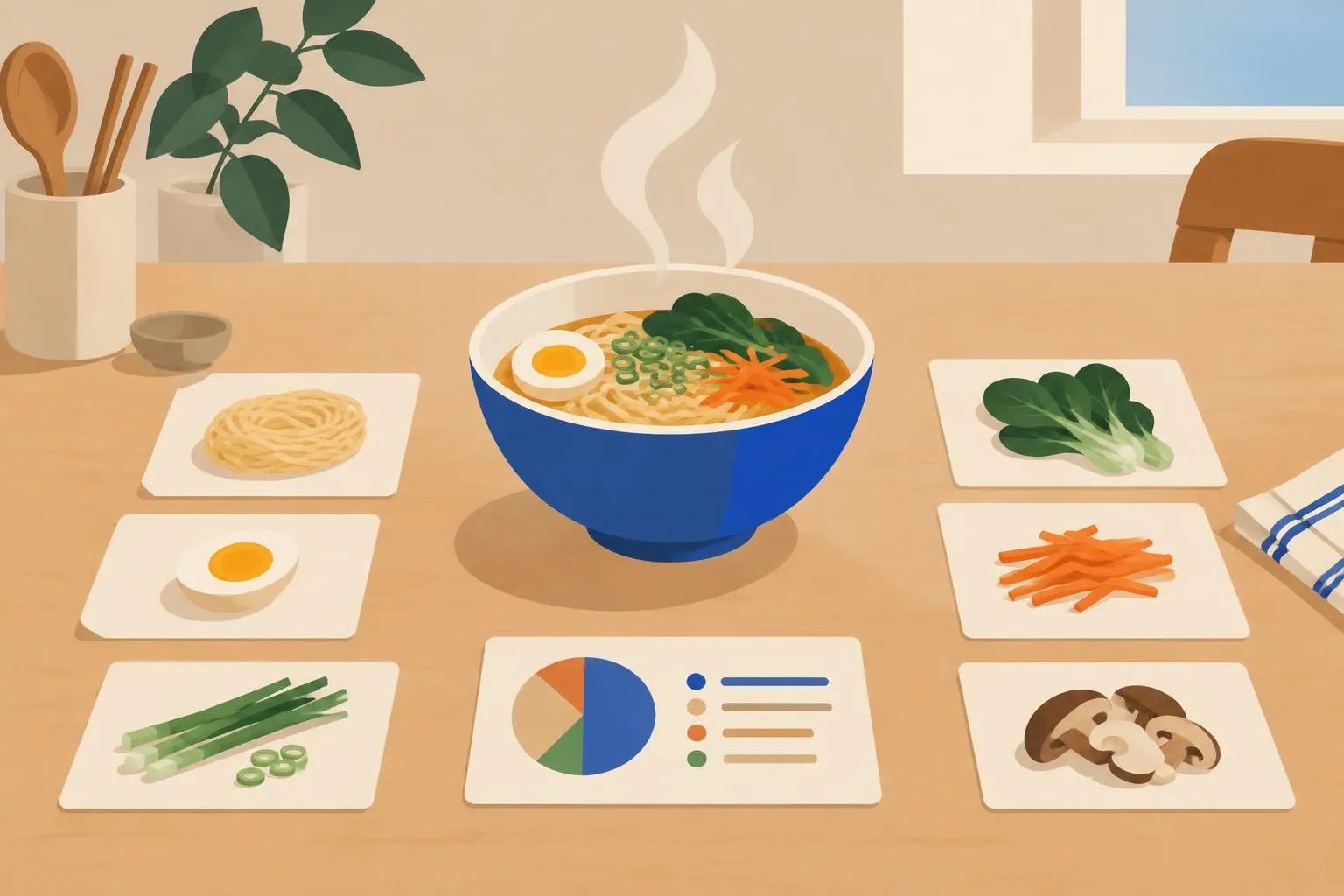
“What’s for dinner?” is a daily problem with an open-source answer now. What to Eat (一饭封神) is an AI recipe platform: tell it what’s in your fridge and which cuisine you fancy, and it generates a full recipe with nutrition analysis, a health score, sommelier-style drink pairing and an AI-generated image of the finished dish, covering China’s eight great cuisines plus international cooking. The development story is the other draw: the author built it end-to-end with the Kiro editor in a full vibe-coding pass — requirements, architecture, implementation — and the .kiro directory ships in the repo alongside the source, with one-click Vercel and Netlify deploys. About 3,600 stars as of October 27, 2026. For dinner tonight, the hosted version at eat.lz-t.top just works; for studying how an AI app fits together or running your own instance, the repo is the whole material.
Core features
- AI recipe generation: full recipes from your ingredients and cuisine preference, across China’s eight cuisines and international dishes.
- Nutrition analysis and health scoring: per-dish breakdowns with a score.
- Generated dish images: one-click plating shots, so the “sales pitch” of a dish is AI-made too.
- Drinks and sauces: sommelier-style pairing suggestions and custom seasoning formulas.
- Dynamic configuration: switch AI providers and parameters from the UI, no code changes.
- Multi-mirror deployment: one-click Vercel and Netlify buttons; the hosted version is ready to use.
Typical use cases
- Weeknight decisions: a few leftover ingredients in, a cookable dish with steps out.
- Dinner-party planning: a full menu per cuisine, drinks and nutrition included.
- A vibe-coding case study: read the process artifacts in
.kirofrom requirements to implementation, then clone the pattern for your own AI app.
Quick start
Skip deployment and use eat.lz-t.top directly. To self-host, you need Node.js 18+:
git clone https://github.com/liu-ziting/what-to-eat.git
cd what-to-eat
npm install
cp .env.example .env   # add your AI API key
npm run dev
After it starts, use the ⚙️ icon in the nav to configure models at runtime. The app speaks the OpenAI-standard API: one base URL, key and model for text, another for image generation.
Summary
What to Eat serves two audiences: home cooks who want an AI answer to dinner (the hosted version has zero setup), and developers who want a complete vibe-coding project to take apart (the Kiro process files are all there, and the Vue 3 + TypeScript + Tailwind stack is easy reading). Three honest caveats: the last push to the repository was January 2026 — nine months dormant, so issues and dependency updates are on you; the browser talks to the AI API directly, so your key ships to the client — self-hosters should use a hard-capped key; and there is no license file, so rights are reserved by default — confirm with the author before reusing the code. Vue on the front end. If the workflow interests you, see also our entry on OnKey, another open-source project built end-to-end in an AI editor.