Automation#Device control#Virtualization
Cua: open-source computer use for AI agents
Cua is an open-source computer use toolkit for developers building agents that operate desktop apps. Cua Driver supports macOS, Windows and Linux.
Project facts
GitHub Ecosystem- License
- MIT
- Language
- Rust
- Stars
- 30,508
- Data checked
- 2026-10-21
Snapshot figures reflect the check date and may change over time.
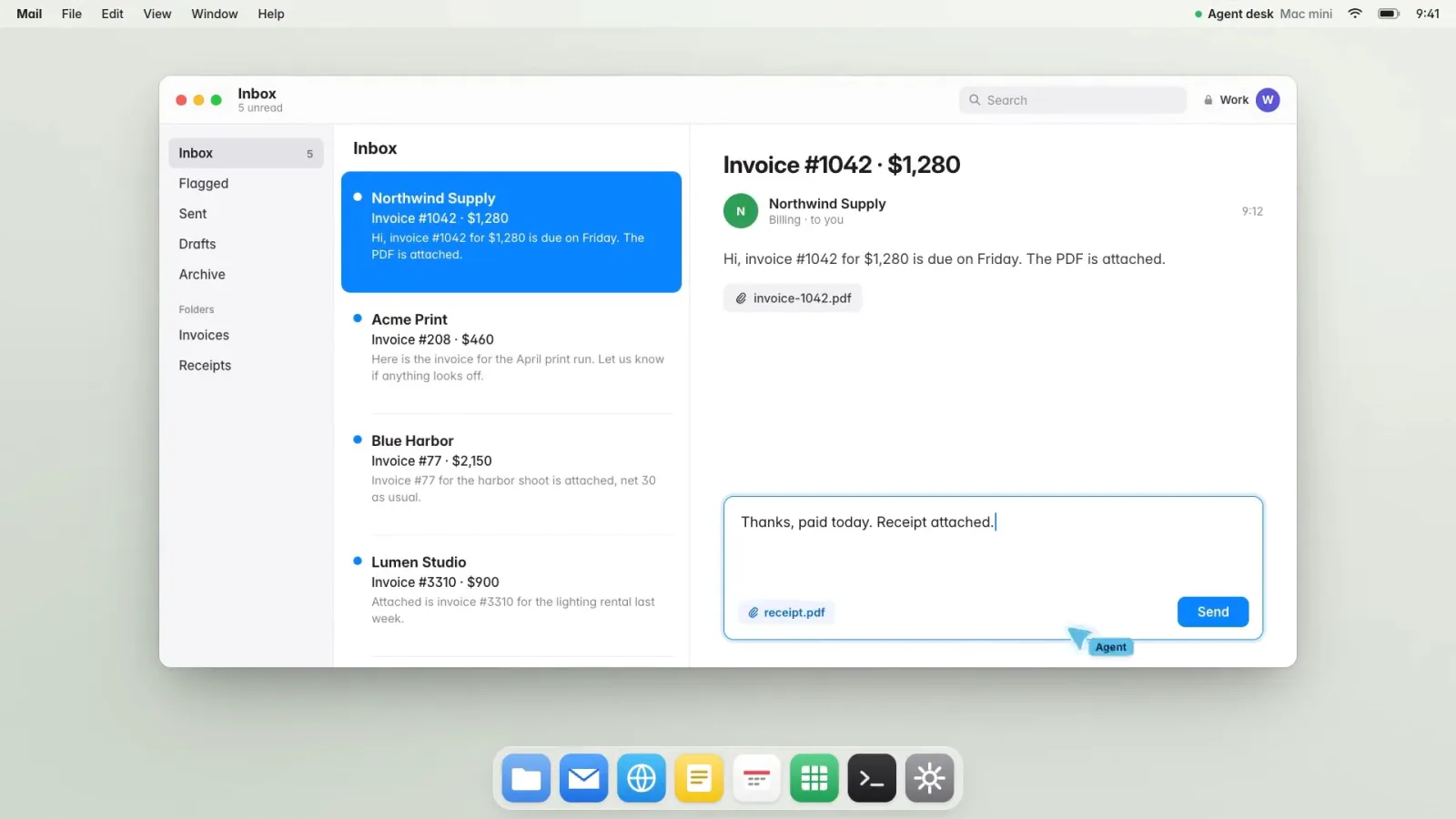
If you want an AI agent to work inside real desktop apps without grabbing your pointer, Cua is worth a look. Cua is a computer use toolkit from Cua AI, published as the trycua/cua repository, with a desktop driver, sandboxes, local macOS VMs, a desktop app and a benchmark kit in one place. The README says Cua Driver supports macOS, Windows and Linux and, where the app and platform allow, can work without moving the pointer or taking focus.
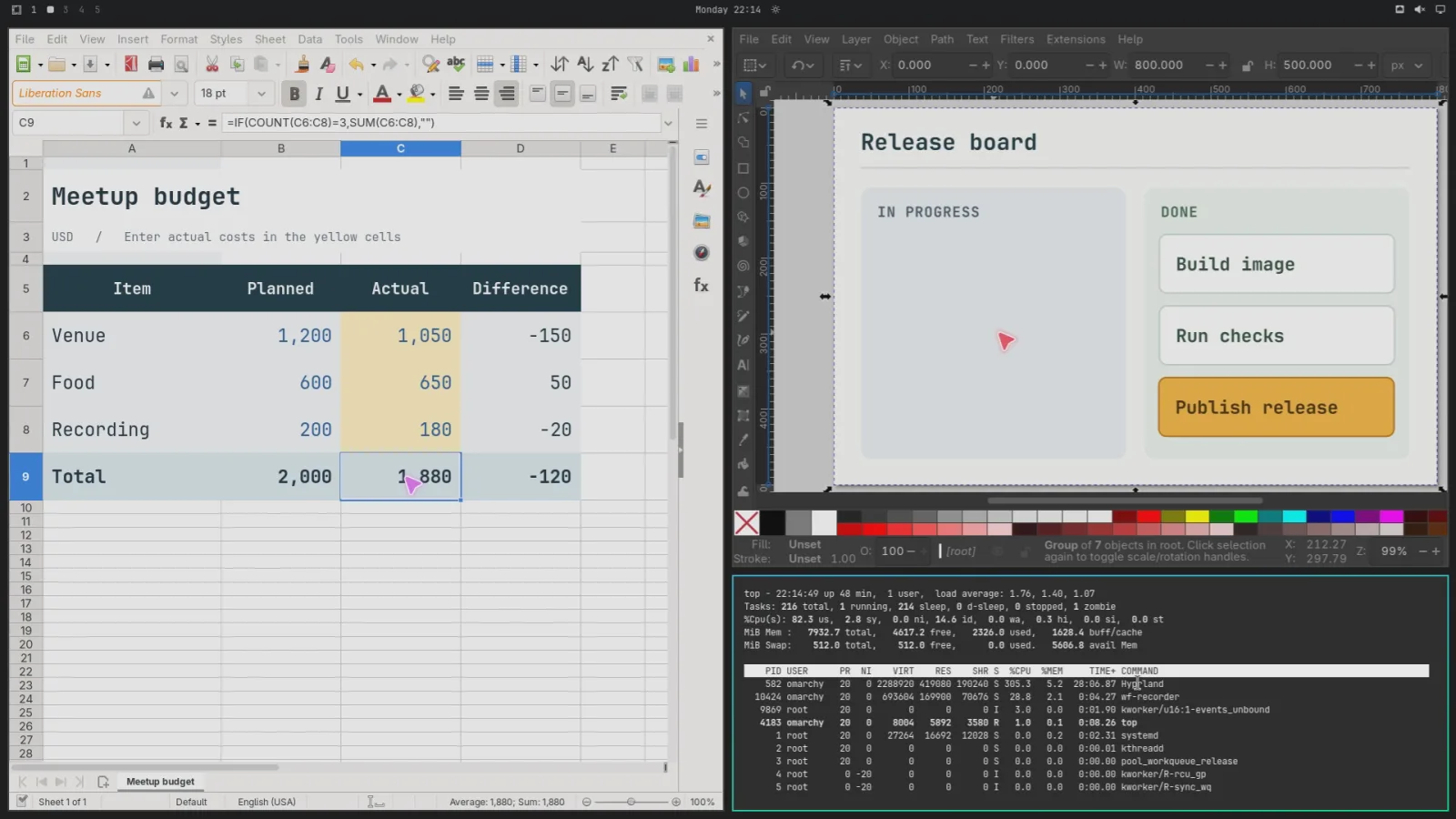
The image is one frame from the README’s Cua Driver demo: two Driver sessions work in LibreOffice Calc and Inkscape while a terminal stays in front. The demo runs on Omarchy, a Hyprland-based Linux desktop, and the Hyprland plugin README calls that plugin optional and experimental.
Core features
The five parts of Cua are listed in the order most readers will need them.
- Cua Driver for native apps: MCP over stdio, a CLI, and Python, TypeScript and Rust SDKs. The repository’s action-support document records accepted runs per platform, including 99 of 122 Windows rows delivered and 23 refused with an exact error code.
- Sandboxes and local VMs: one
cuacommand and SDK manage local containers and VMs (cua sb create,cua sb exec,cua sb screenshot). Lume runs macOS and Linux VMs on Apple Silicon through Apple’s Virtualization.Framework. The SDK ships Python, TypeScript and Rust packages, and Swift and Kotlin are not released yet. - Cua Spaces desktop app: each Space is a full desktop on your Mac, on another machine you own, or in your own AWS, Google Cloud or Modal account. Teleport moves a signed-in app such as Chrome into a Space, and the session reaches the Space only after you approve. The README’s prices, as of 2026-10-21, are free for individuals, $18 a month for Pro and $30 per seat a month for Teams.
- Cua Bench for evaluation:
cb runruns one task or a whole dataset on your machine and records trajectories in ATIF-v1.8 format.cb dataset buildexports traces in aguvis-stage-1 and gui-r1 formats. - CUA-S1 research models: small models for form decisions, such as which value belongs in a field. The GitHub part is source only, and the weights on Hugging Face come with their own model card scope and license.
Typical use cases
Each of the three readers below uses a different part of Cua.
- A developer who wants Claude Code to drive a Mac app: registers Cua Driver as an MCP server with one
claude mcp addcommand, then asks the agent to compute 6 × 7 in Calculator and check that the display shows 42, the first check the README suggests. - A team running desktop agent evaluations: runs a Cua Bench dataset against its own agent in sandboxes and keeps the screenshots and action trajectory for each step, to decide later whether to use them for training.
- Someone with a spare Mac who wants a long-running desktop for an agent: runs Cua Spaces on that machine, reaches it through the relay, Tailscale or SSH as the README describes, and takes over the desktop with Multiplayer when a decision is needed.
Quick start
Cua Driver is the shortest route, because it operates native apps on the machine you are using, and the README’s first example needs no VM or container.
/bin/bash -c "$(curl -fsSL https://cua.ai/driver/install.sh)"
claude mcp add --transport stdio cua-driver -- cua-driver mcp
The first line installs Cua Driver, and the second registers it with Claude Code as a stdio MCP server. On macOS, grant Accessibility and Screen Recording to CuaDriver.app. The default standard mode runs without prompts, while unrestricted needs --dangerously-bypass-approvals. Then ask the agent to compute 6 × 7 in Calculator and check that the screen shows 42.
Summary
Cua suits developers who want an open-source base for desktop agents and will bring their own agent and model. The README says the project provides the computer and its tools, but the deprecated-package table points cua-agent users to sandbox.agents() in the SDK, so where the agent API sits is unclear. It is a poor fit for a hosted service: the Cua Bench README says Cua Cloud has ended and --on cloud now fails. For contrast, Agent S ships its own planning and grounding models, while Cua leaves that part to you.
The repository is MIT, but Cua Spaces and Cua Driver Bench are FSL-1.1-MIT. You can read and self-host them, but FSL bars competing uses, so check the license before you offer either as a hosted service. Each release becomes MIT two years after it ships. The optional cua-perception extension includes an AGPL-3.0-only OmniParser model, and the README asks you to read its third-party notices before you install, redistribute or host it.
Cua Driver supports macOS, Windows and Linux, but Linux results depend on the display stack. X11 and Sway passed every declared acceptance row, GNOME needs a Shell helper and one restart, and KDE refuses direct targeted keyboard and pointer input. The Hyprland plugin is optional, experimental and off by default. Its raw background input is qualified only for native Calc and Inkscape at pinned versions with a US keymap, and Chromium and Electron are not qualified. Lume requires Apple Silicon, the Spaces app requires macOS 26, and the README gives no minimum macOS version or CPU architecture for Cua Driver.
Two claims do not agree, and the README cannot settle which is current. The top-level README says the first Cua Bench task needs no VM, Docker or model API key, but the Cua Bench README says the simulated backend is gone and cb run uses a local gVisor container by default. The SDK README says gVisor is used when it is available. The repository was created in January 2025, was last pushed on 2026-10-21, and had 1,175 open issues and pull requests on GitHub that day. Neither the top-level README nor the Cua Bench README publishes benchmark scores. We read the README, the component docs and the platform page, but did not install or run anything. The PyPI packages cua-agent and cua-computer and the npm package cuabot are deprecated, and the README says not to run cuabot because it has known security issues.