System utilities#Display streaming
WinPlay/MacPlay: Mirror iPhone CarPlay to Your Computer Wirelessly
Open-source CarPlay receivers: MacPlay and WinPlay display and control iPhone CarPlay on a Mac or PC over Bluetooth pairing and Wi-Fi, GPL-3.0.
Project facts
GitHub Ecosystem- License
- GPL-3.0
- Language
- JavaScript
- Stars
- 298
- Data checked
- 2026-11-02
Snapshot figures reflect the check date and may change over time.
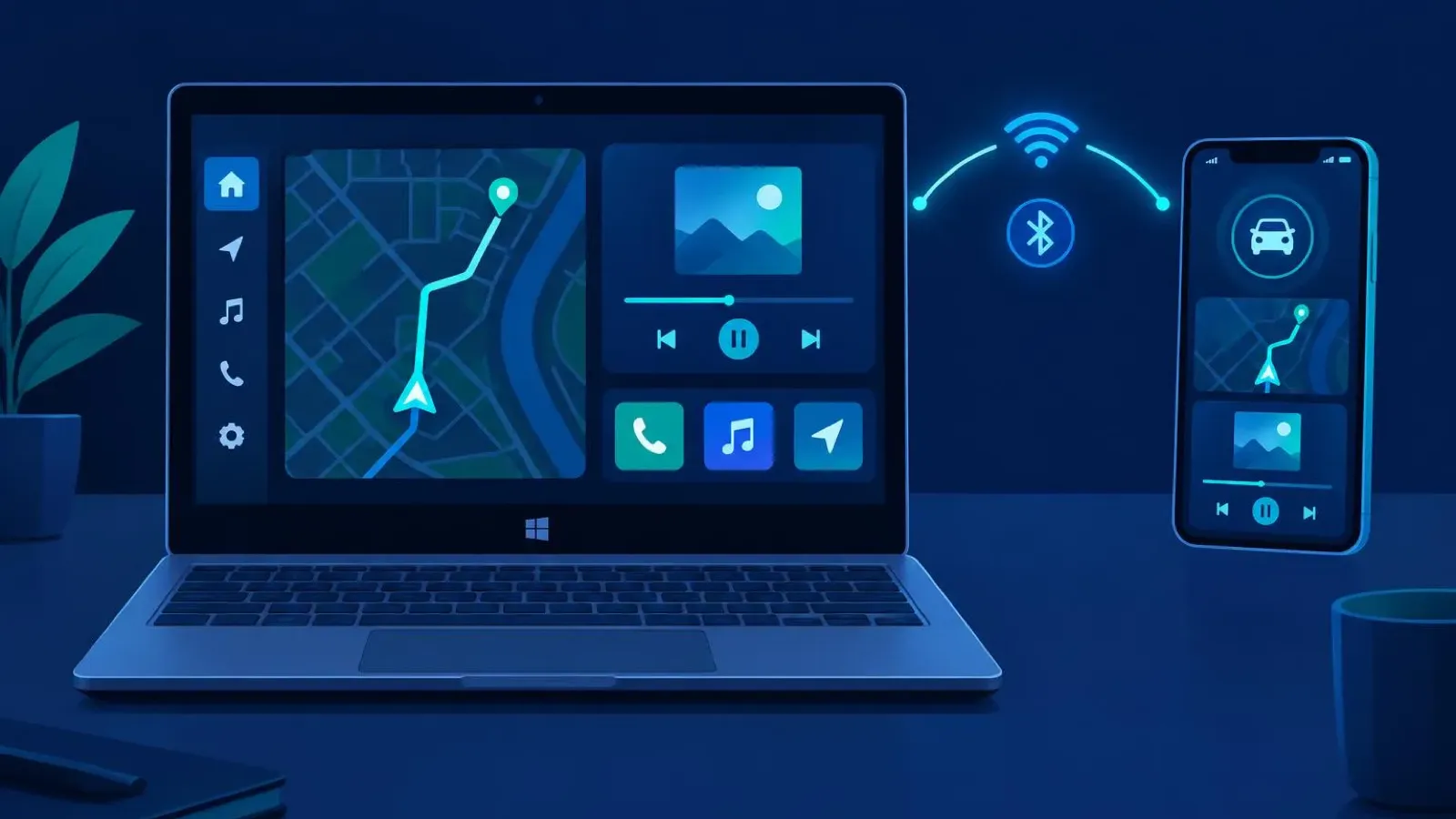
CarPlay only talks to car head units, which is a problem if your car screen is tiny, your mount is broken, or you just want your iPhone navigation and podcast continuing on the laptop beside you. Developer Roylyl’s receiver family fixes that: MacPlay (a native Rust app, ★251) takes the iPhone CarPlay feed over USB or Wi-Fi on macOS, and WinPlay (Electron, ★298) brings the same to Windows — with LinuxPlay and AndroidPlay rounding out the family. Bluetooth handles pairing; Wi-Fi carries audio and video. Both repos shipped new versions on the same day, October 27 (WinPlay 1.2.5, MacPlay 1.2.4), under GPL-3.0.
Core features
- Wireless by default: WinPlay works over a Windows mobile hotspot or a shared LAN, with each mode’s settings saved separately; MacPlay also supports plain USB. Bluetooth is pairing-only — all media rides on Wi-Fi.
- Its own window: CarPlay renders in an independent window rather than taking over the screen, so it sits happily on a second monitor or in a corner.
- Audio and input: two-channel audio output, and you drive the CarPlay interface with mouse or trackpad. The phone sees the accessory name and vehicle type as WinPlay.
- Self-contained installers: WinPlay’s single EXE bundles Electron, Node.js and the platform bridge for offline install; MacPlay ships separate DMGs for Apple Silicon and Intel, no dev tools needed.
- A four-platform family: macOS (Rust), Windows (Electron), Linux (★18) and Android (★76) repos iterate together and cross-link from their READMEs.
Typical use cases
- Developers who keep a laptop in the car: flip on the hotspot and CarPlay lands on a Windows tablet or notebook with a map bigger than any head unit.
- Anyone who wants iPhone podcasts and music continuing at their desk: plug USB into MacPlay and both picture and audio move to the Mac.
- CarPlay interface debugging: watch real CarPlay behavior from your desktop without getting in a car.
Unlike full iPhone mirroring, this family lifts only the navigation, media and calling surfaces out of the CarPlay protocol, so the picture stays clean and latency low. If your direction is the opposite — running full macOS on an iPad — we previously covered VirtualMacOniPad; for desktop Linux on an Android device, see Podroid. WinPlay does one specific thing: extends the iOS car ecosystem to the desktop.
Quick start
Grab WinPlay-1.2.5-Setup-x64.exe from the Releases page (Windows 10/11 x64, Bluetooth adapter required) or the MacPlay DMG matching your chip (macOS 14+). After installing, enable Wi-Fi and Bluetooth on the iPhone, put the computer on its hotspot or the same LAN, and follow the pairing wizard. Note the current limitation: wireless CarPlay only — WinPlay has no USB direct connection yet (MacPlay does).
Summary
This family is for people whose car screen is small or absent and who want iPhone navigation and audio on a proper display, plus developers debugging CarPlay UIs. Caveats worth knowing: the bundled authentication materials must be ones you’re entitled to use, per the README; video latency depends on your Wi-Fi, so the head unit should stay in charge while driving. Both repos are still early (a few hundred stars as of November 2, 2026) but released actively through late October. GPL-3.0; Rust for MacPlay, JavaScript for WinPlay.